webRoid is now available on the Play Store, the Android companion to webRios for iPhone and iPad. It brings the same webR engine that powers webRios on iOS to your Android phone or tablet.
Run R for students between classes, prototypes on the train, or a dataset you want to poke at over coffee. Works offline. No remote server, no rooted device, no fiddling with terminals.
R Wherever You Are
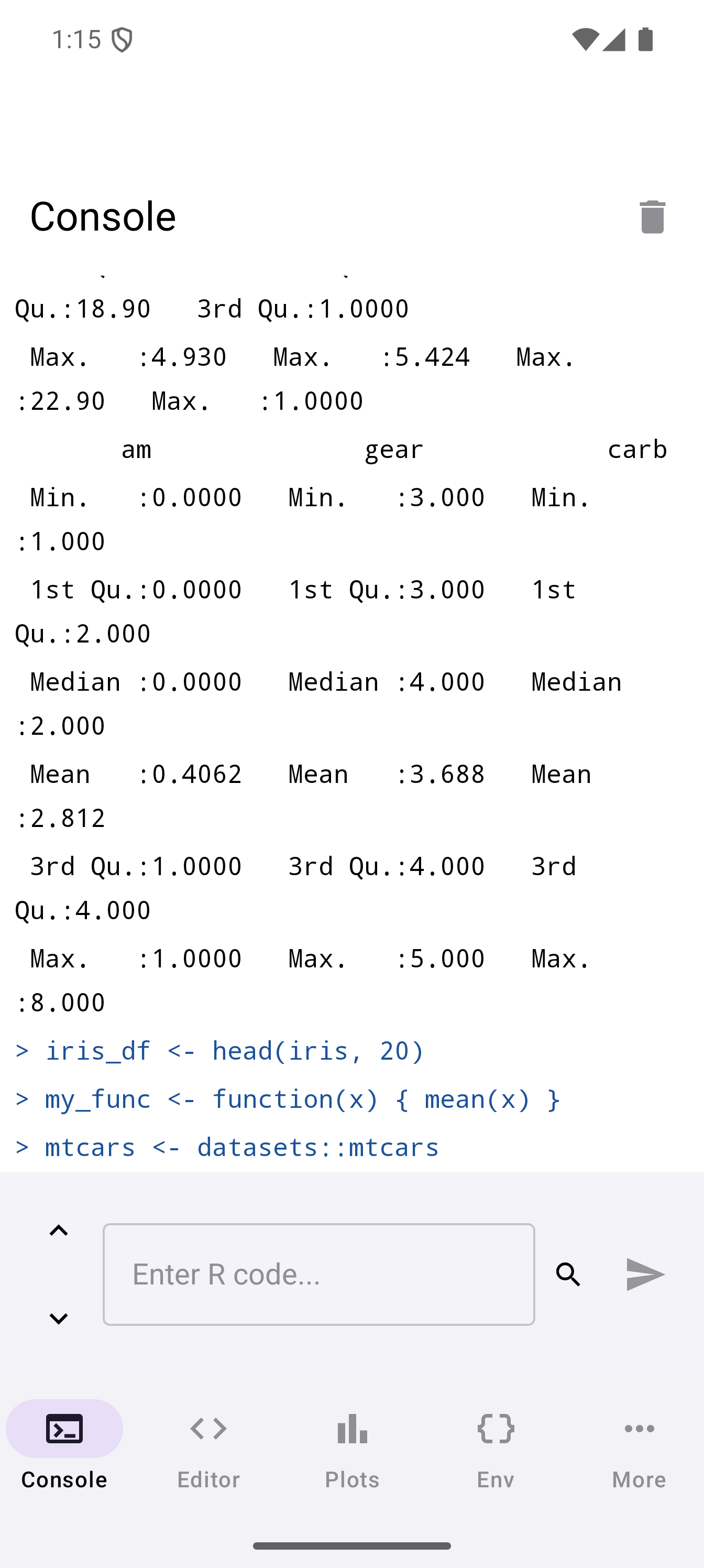
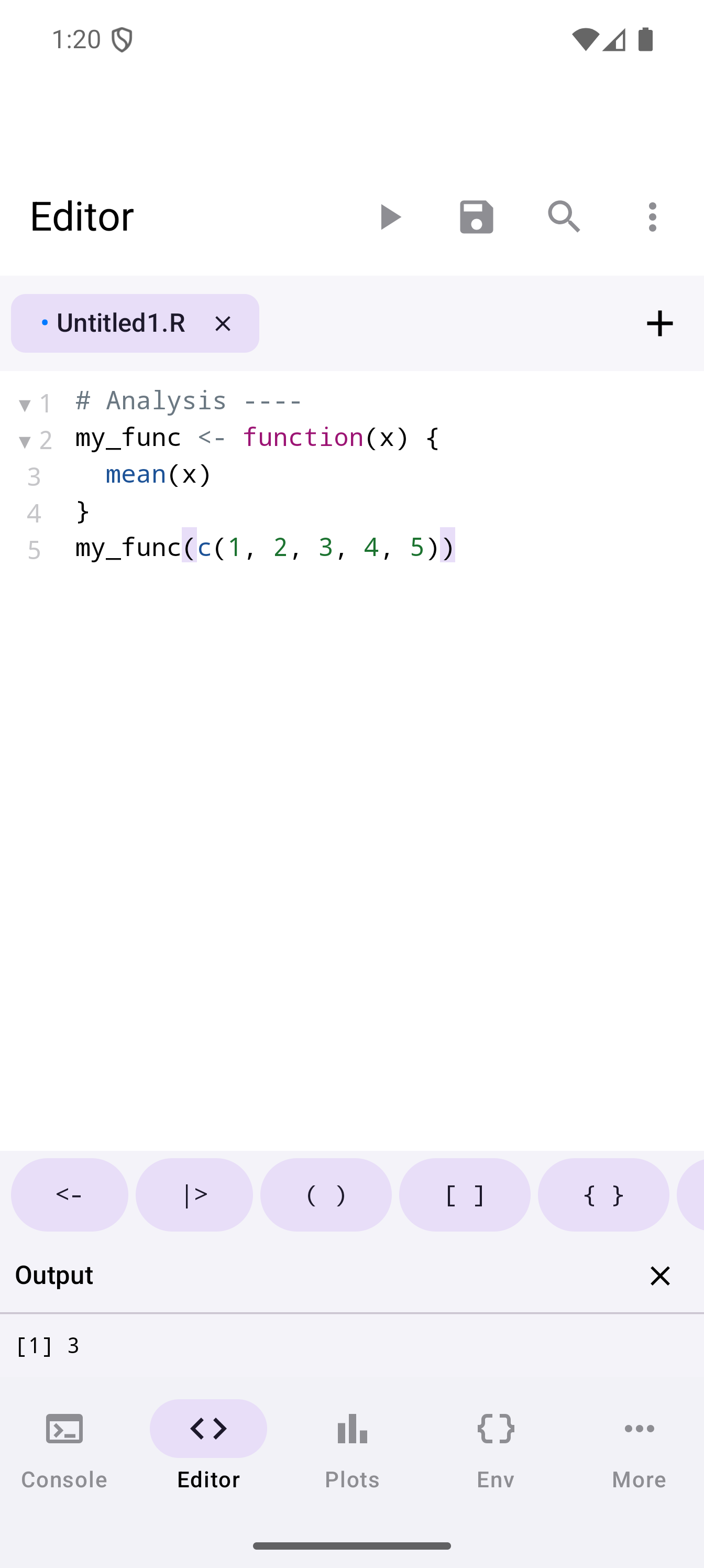
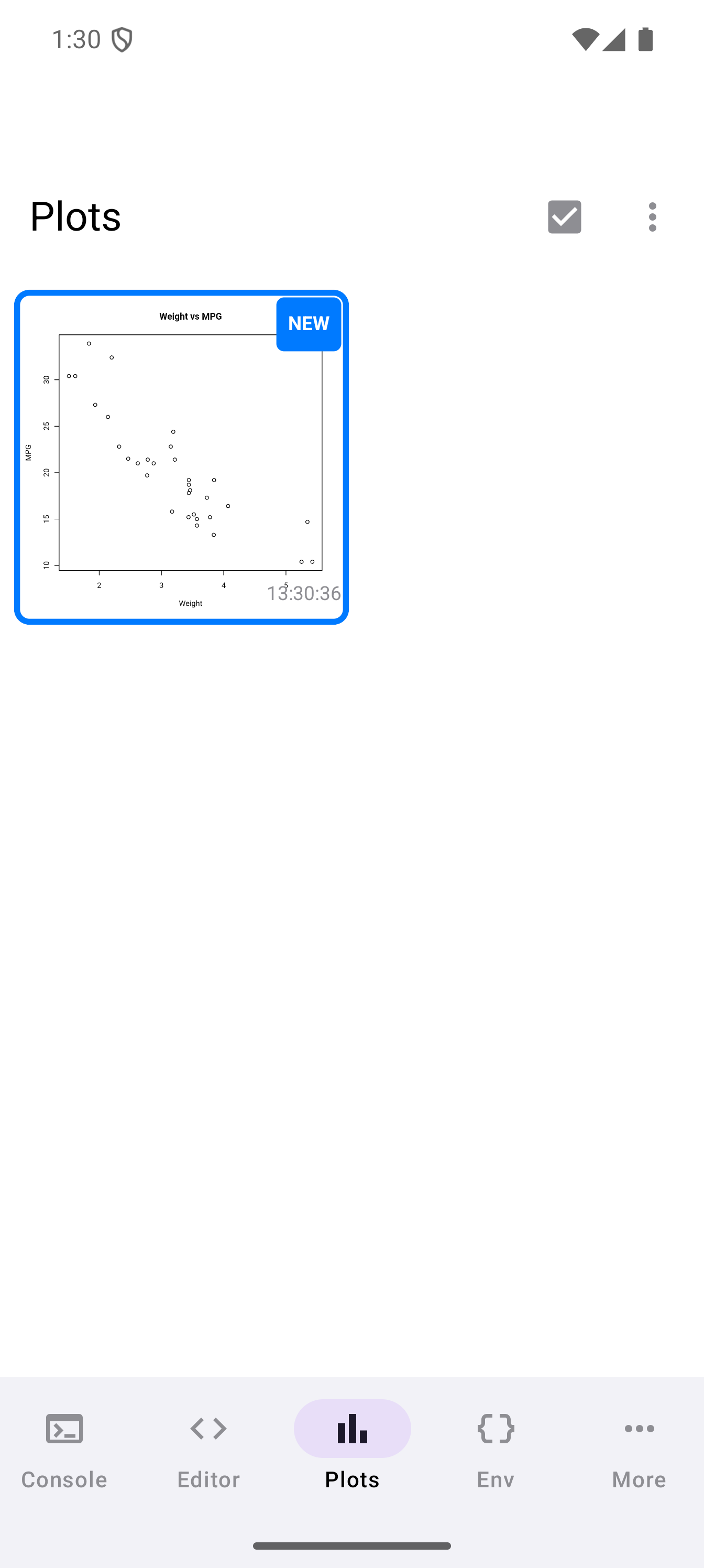
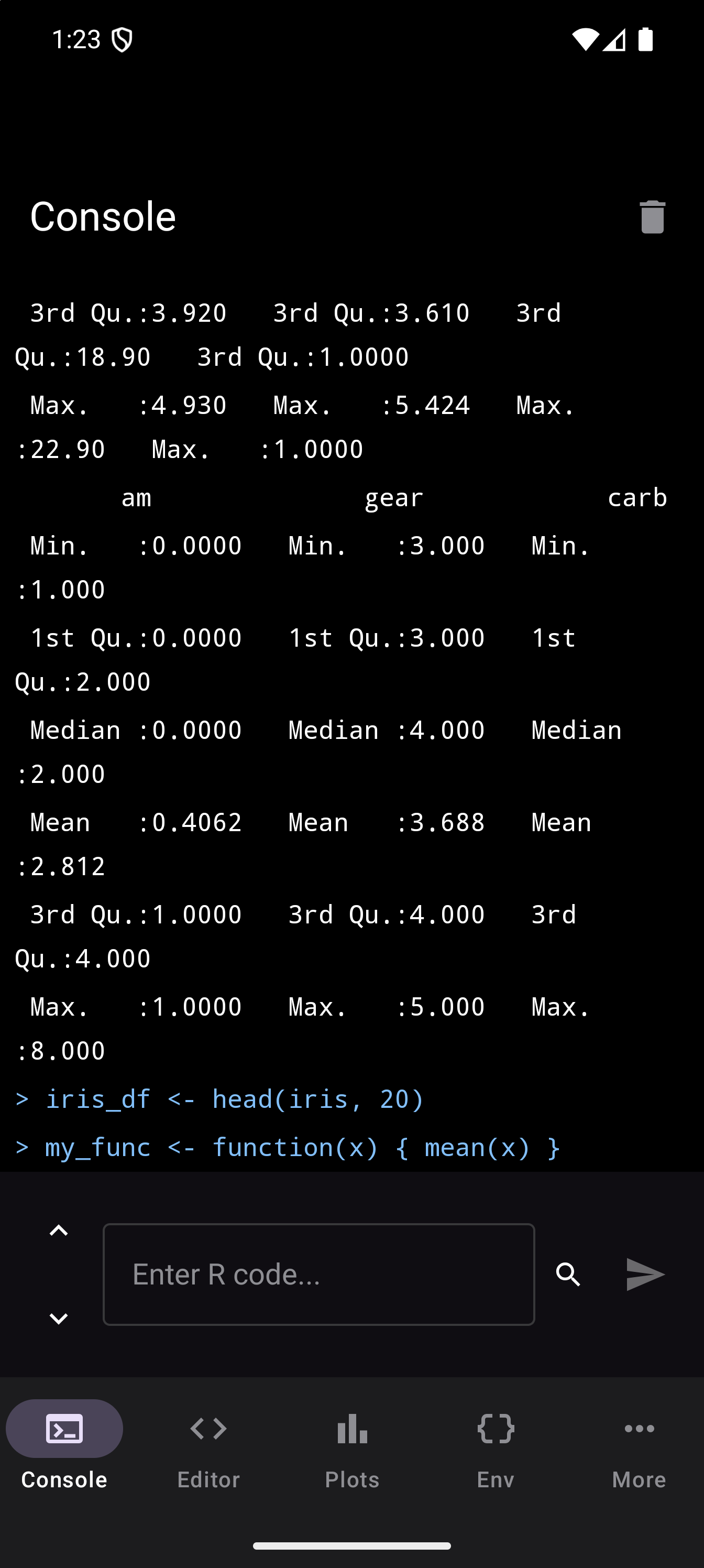
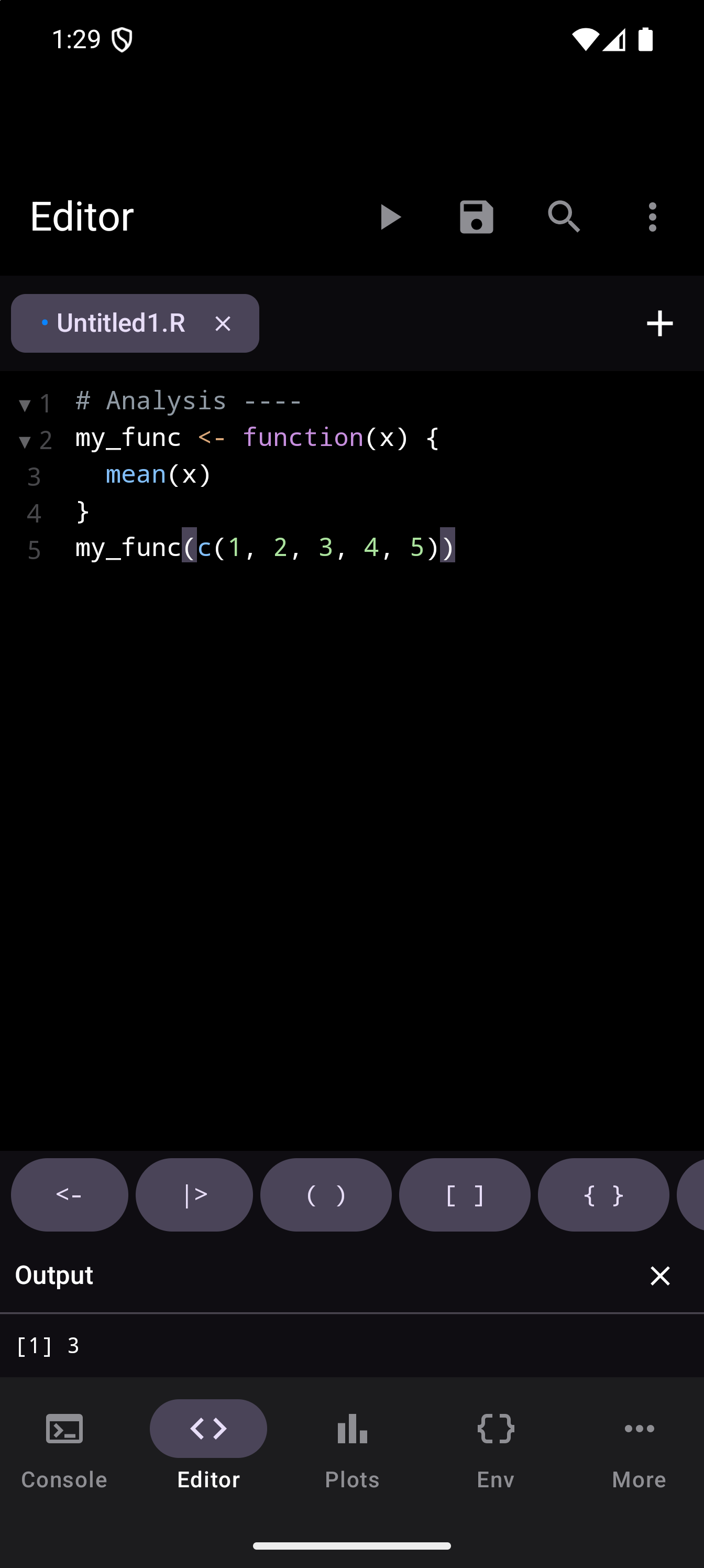
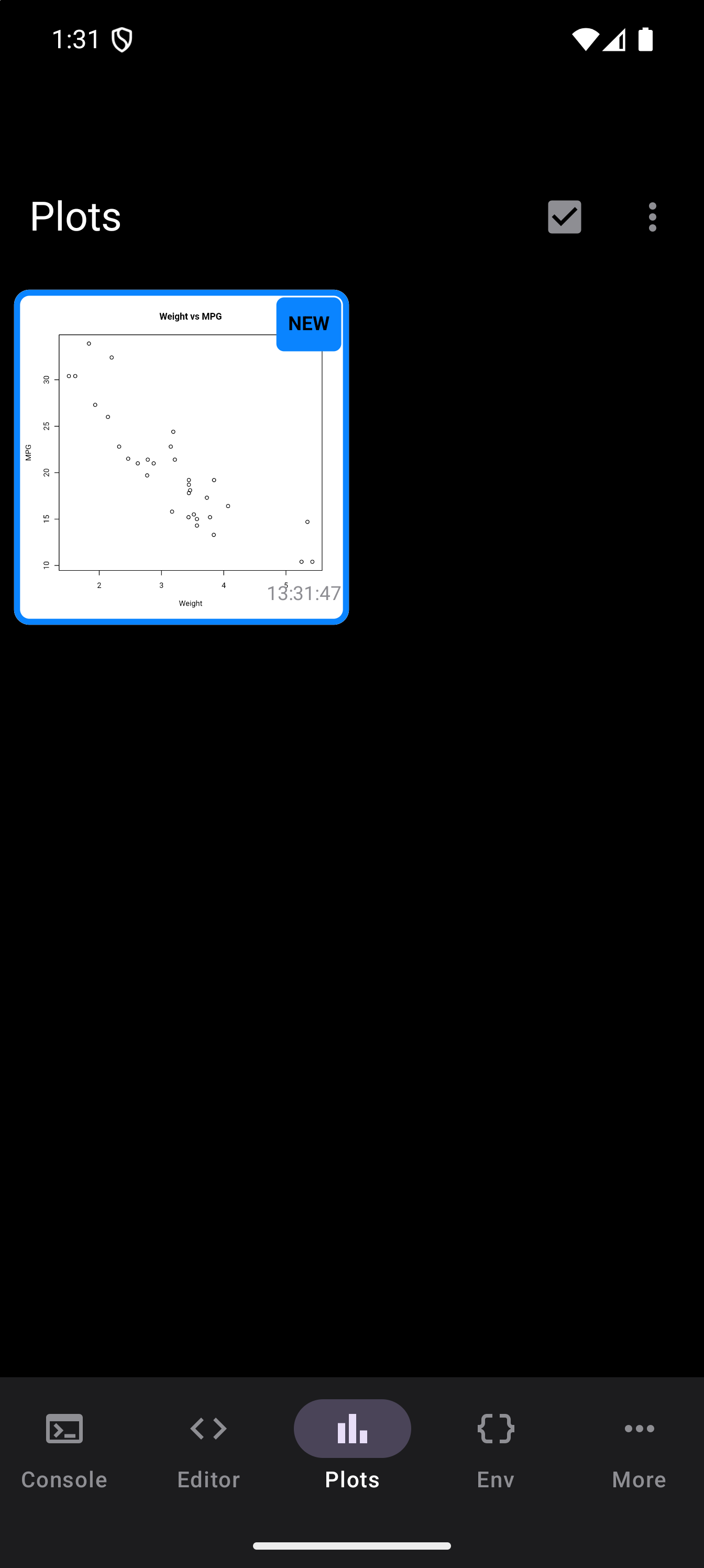
A real R console, not a toy. ggplot2 renders, the pipe works, and dplyr::mutate() behaves. The editor has syntax highlighting and a custom keyboard row with <-, |>, and %>%, and you can run a whole script or just a selection.
Install packages from the webR repository with a tap. Most of CRAN is pre-compiled to WebAssembly, including the tidyverse, data.table, and jsonlite.
The webRoid documentation has a fuller tour with more screenshots and a walkthrough.
Plots, your way
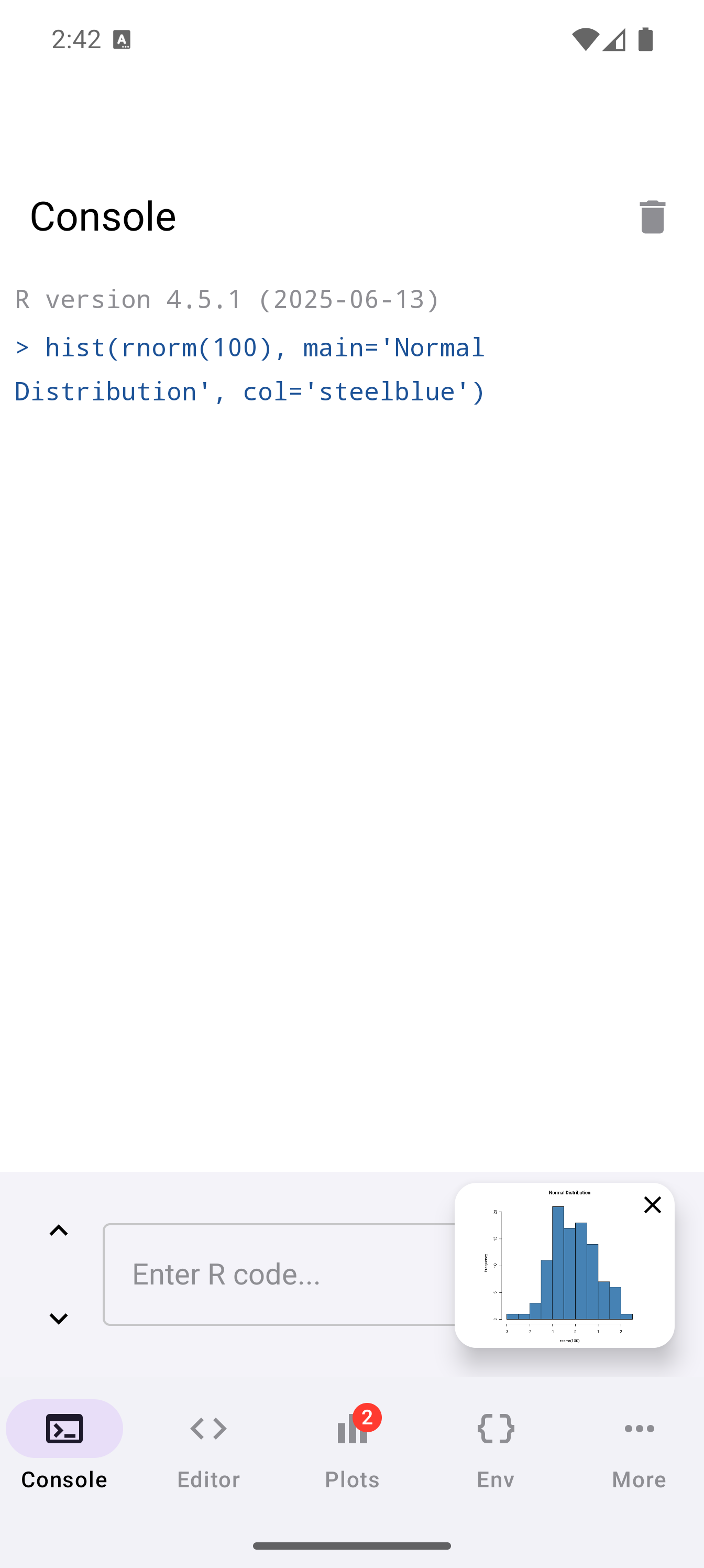
A plot in R is sometimes a 10-second sanity check and sometimes an hour of fine-tuning. webRoid lets you pick how each one appears, rather than always sending plots to a separate gallery:
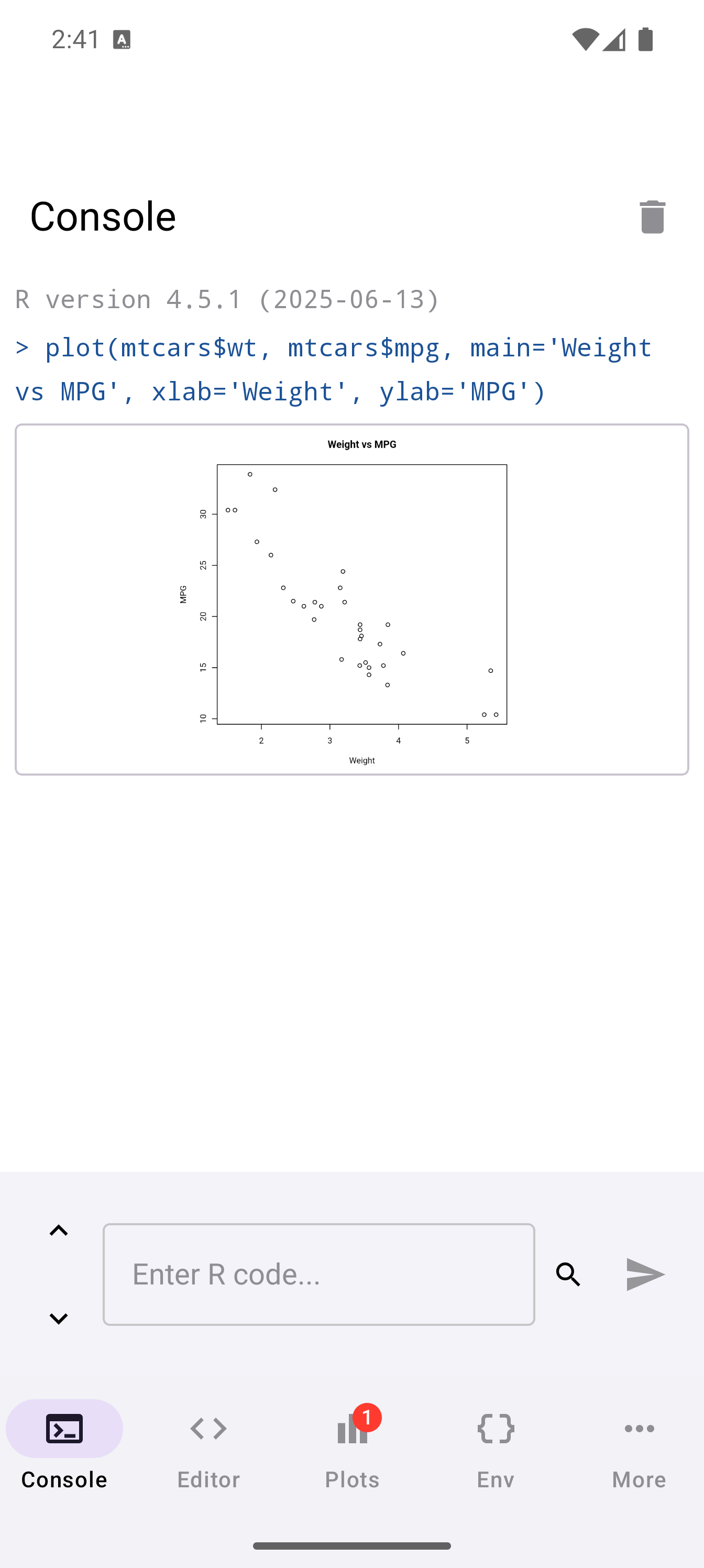
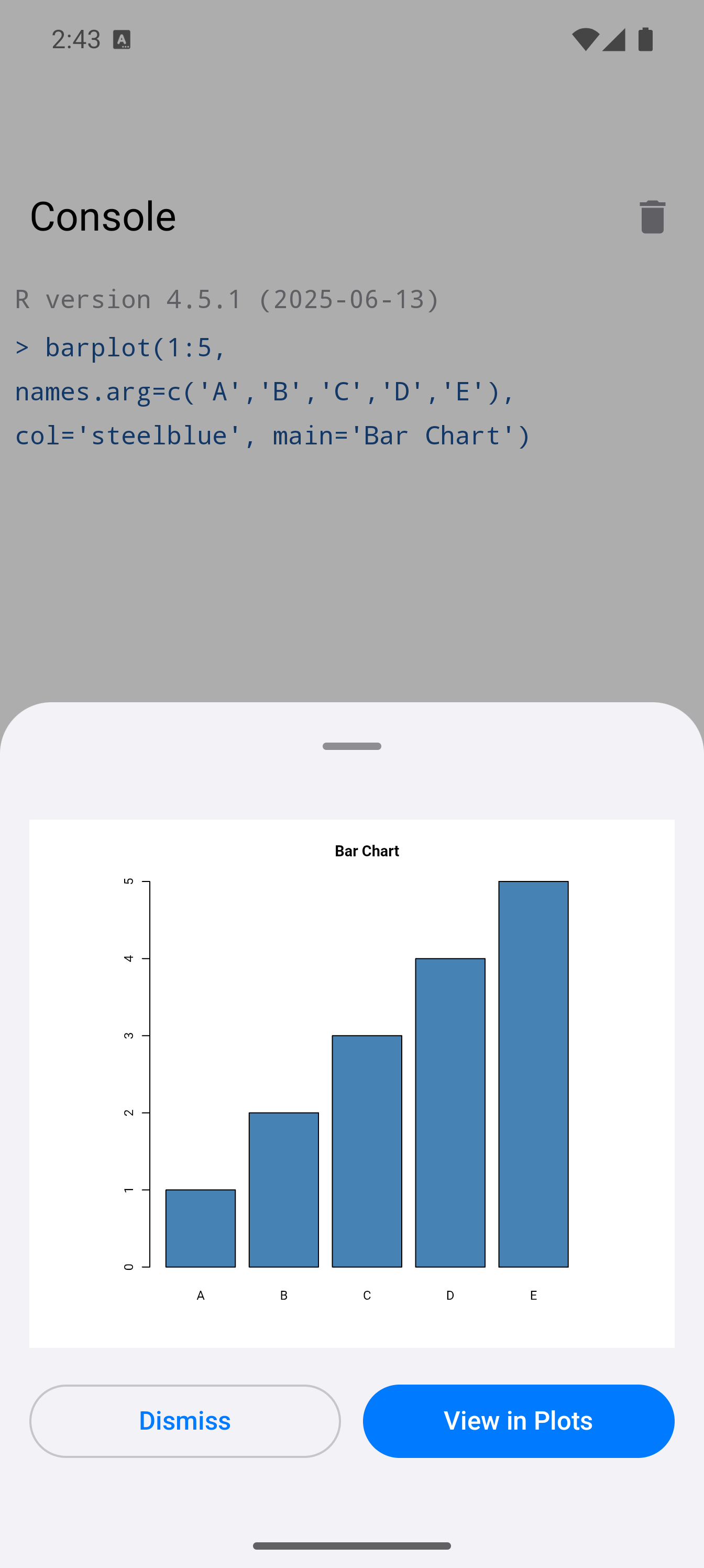
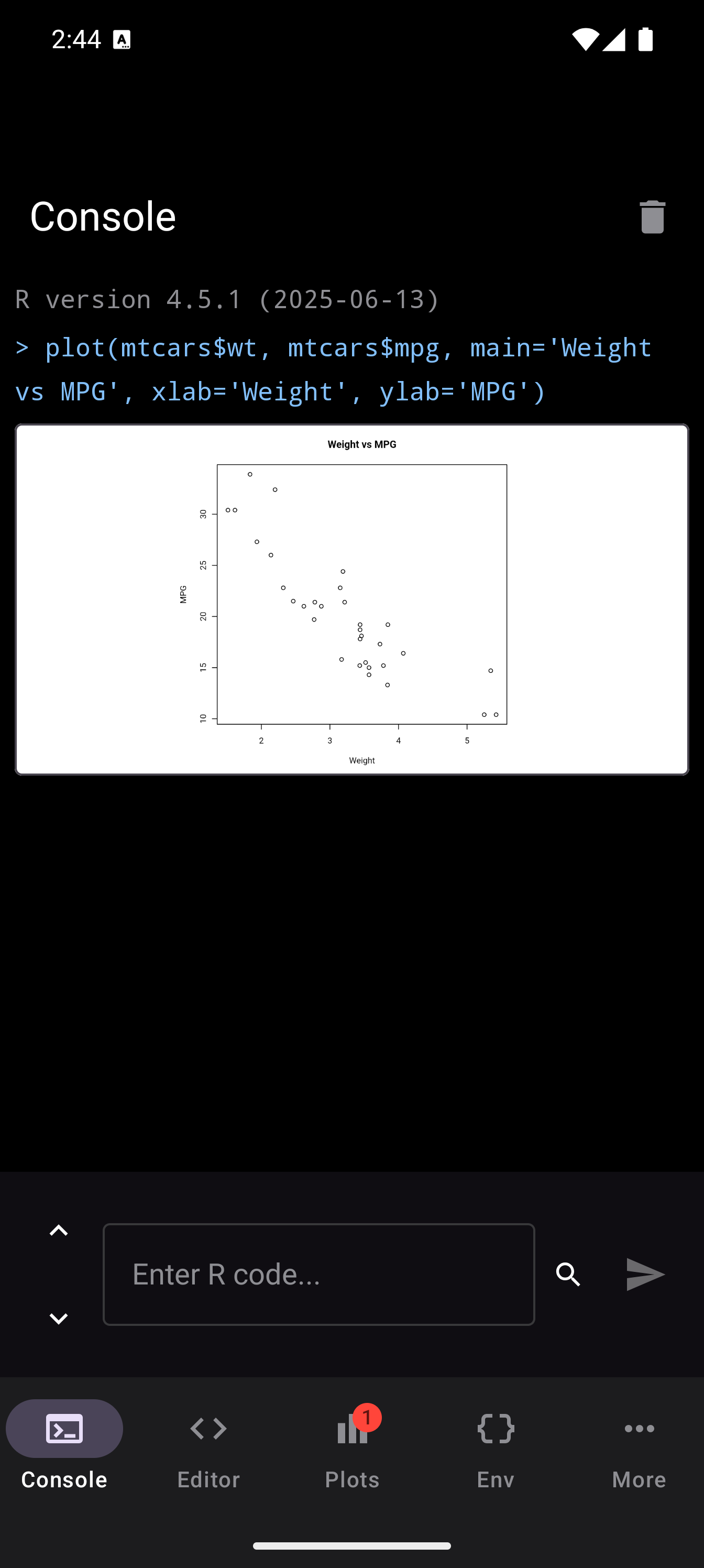
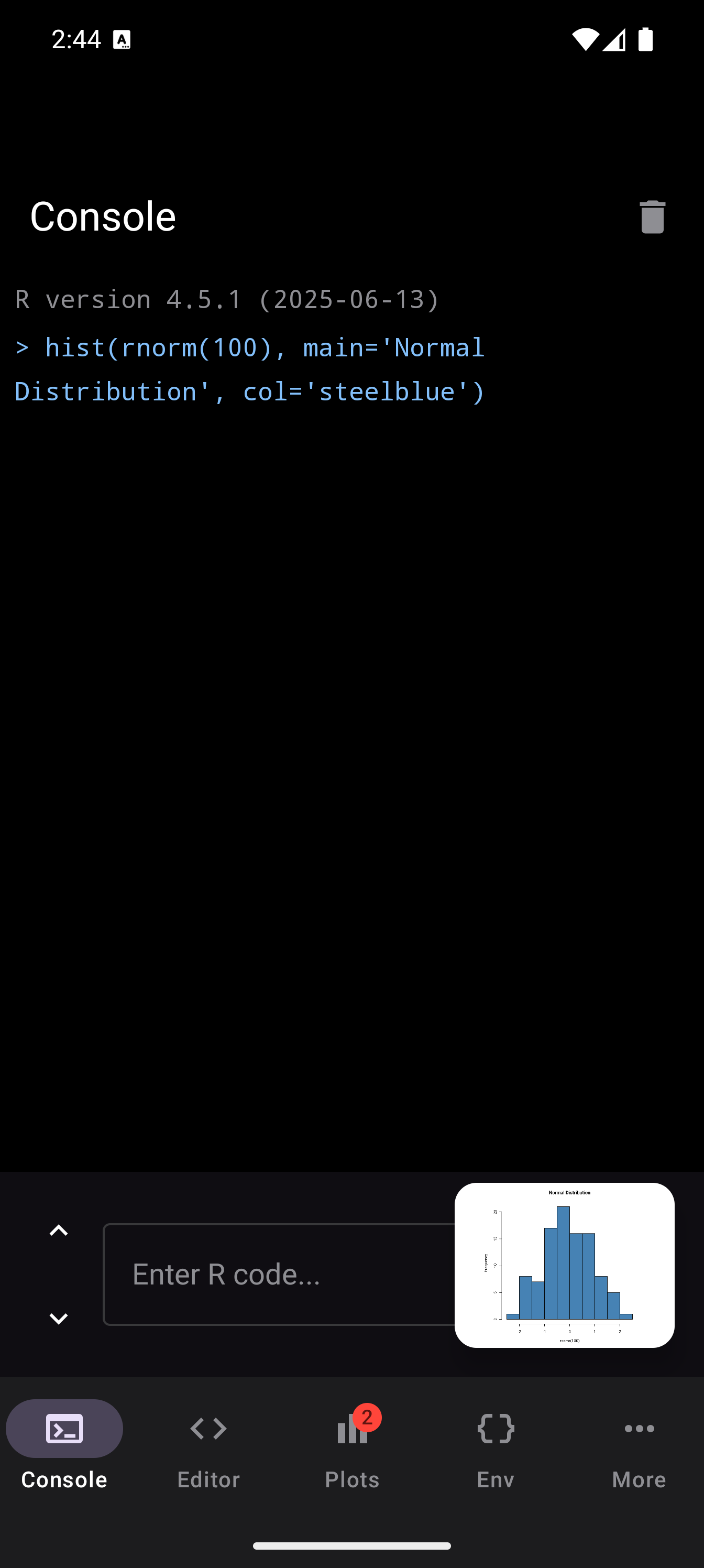
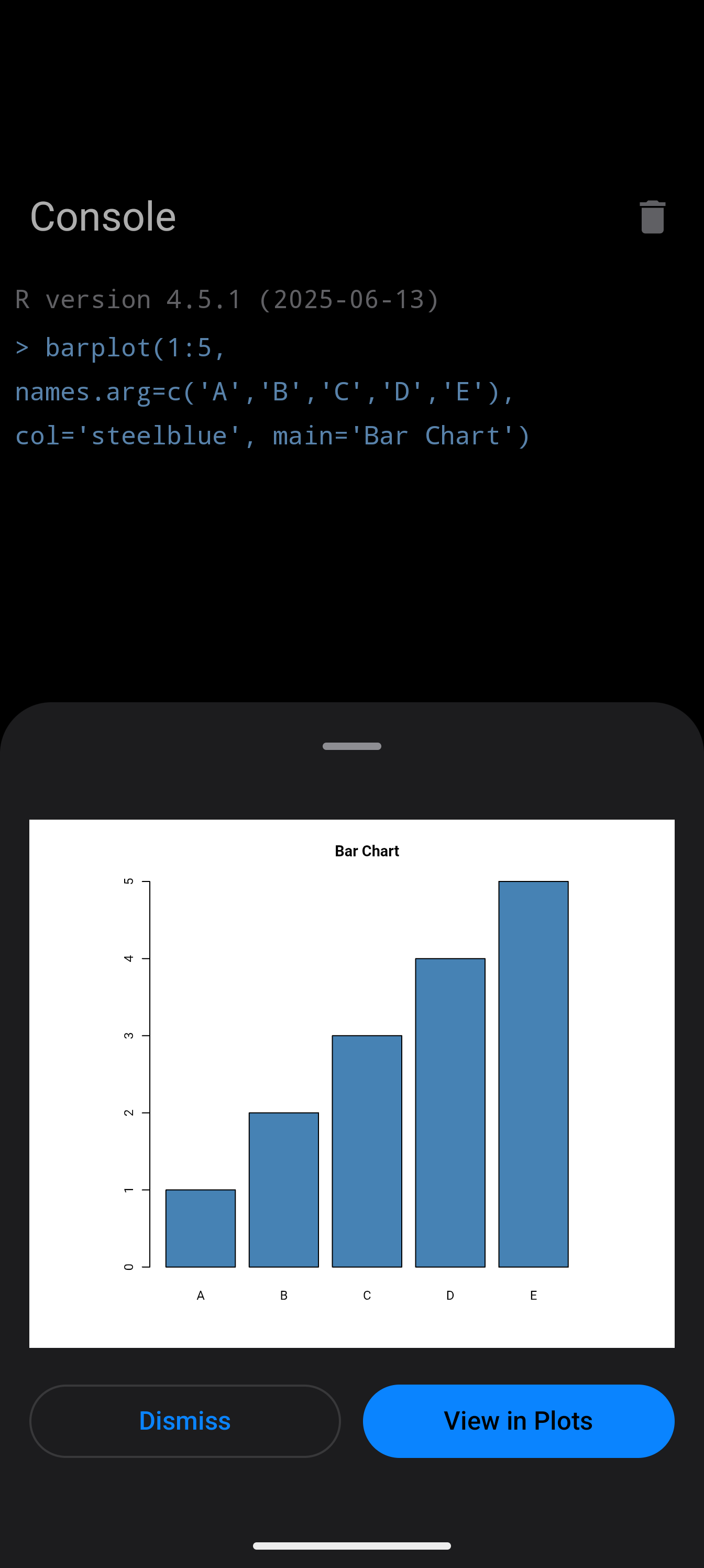
- Inline. The plot renders right next to the command that produced it, in the console. Best for quick exploratory loops where you just want a glance.
- Floating. The plot opens in a movable, resizable window over the editor. Best for comparing the plot against the code that made it.
- Bottom sheet. The plot slides up as a dismissable sheet over your editor. Best when you want to focus on one plot at a time without losing your place.
These shipped on Android first. The same plot display modes are coming to webRios in a future update.
Same Engine, Same R
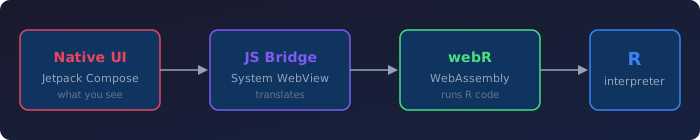
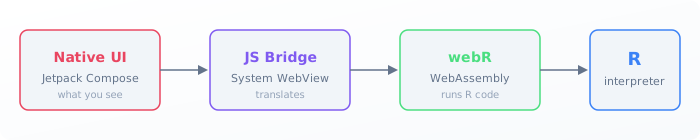
The four-layer architecture is the one from the iOS post: native UI on top of a JavaScript bridge, on top of the webR WebAssembly runtime, on top of the R interpreter. The only Android-specific layer is the top one. Jetpack Compose replaces SwiftUI, and Android System WebView replaces WKWebView. Everything below the bridge is identical, because webR itself is platform-agnostic. R code that runs on webRios runs on webRoid.
That description sounds like a port. It wasn’t. The webR engine carried over for free, but reconciling Android’s WebView lifecycle with the webR runtime took more iteration than the four-box diagram suggests.
What to Expect
The short list:
- Android 16 or later. webRoid uses Jetpack Compose and the modern System WebView; older Android versions are not supported.
- About 300 MB of memory available to the webR runtime. Plenty for interactive work, but you won’t be loading a 2 GB CSV.
- Slower than native R. Tight numerical loops feel the gap; interactive exploration usually doesn’t.
- 5 to 15 seconds to start. WebAssembly needs time to initialize. Subsequent launches are faster thanks to caching.
- Most popular packages, not all. Packages that need system libraries (database drivers, some spatial tools) may be missing; everything else is one tap away.
- No interrupting running code. If you accidentally kick off an infinite loop, you’ll need to restart the app.
- Fresh sessions each launch. Your
.Rfiles and installed packages persist, but variables and console history don’t. Putlibrary()calls at the top of your scripts and you’re set. - Your code stays on your device. Nothing is sent to a server. You can work entirely offline.
Compared to Other Options
There are a few other ways to run R on an Android device:
- Termux ships R as a native package (
pkg install R). You get a real R command line, but no GUI, and on-device package compilation is still slow for anything substantial. - R on Android is a direct Android port of R from the CypherpunkArmory/R project. It is pinned at R 3.5.2 and is not actively updated, but it is a useful reference point for what a native port looks like.
- Earlier work explored native Android ports of R as well. Marius Hofert and Kurt Hornik’s How we R on Android, published in Linux Journal issue 266 (2016), is a useful early write-up.
Coming from iOS
If you’re coming from webRios, webRoid will feel familiar. Code moves both ways, the package set is identical, and your .R scripts run on either platform without changes.
Thanks
webRoid exists because GitHub Sponsors covered the developer credentials that ship on either of these stores. The Android side is a one-time $25, the Apple side is $100 every year, and neither is trivial when the audience is this niche. If you’ve sponsored, thank you. You’re the reason any of this is on a store at all.
Try It
webRoid is free to download and requires Android 16 or later.
- Play Store: https://play.google.com/store/apps/details?id=com.webroid.app
- Documentation: https://webroid.caffeinatedmath.com/
- FAQ: https://webroid.caffeinatedmath.com/faq.html
- Support: support@caffeinatedmath.com
- Issues & feedback: https://github.com/hjjb-llc/webroid/issues