Today we are releasing U.S. Citizenship Test Prep, a free iOS app that helps you prepare for the USCIS naturalization test. It is available now on the App Store.
Naturalization is a serious moment, and the test is a real exam. This app exists to make the studying part of it less stressful: you get a complete set of practice tools for civics, reading, and writing, study materials in your language, and a realistic interview simulator that runs entirely on your phone. No account to sign up for, no internet connection required, and no fees standing between you and the questions you came to study.
The app works on iPhone and iPad, supports both the 2008 and 2025 test versions, and ships with content built directly from the official USCIS question and vocabulary lists.
What’s Included
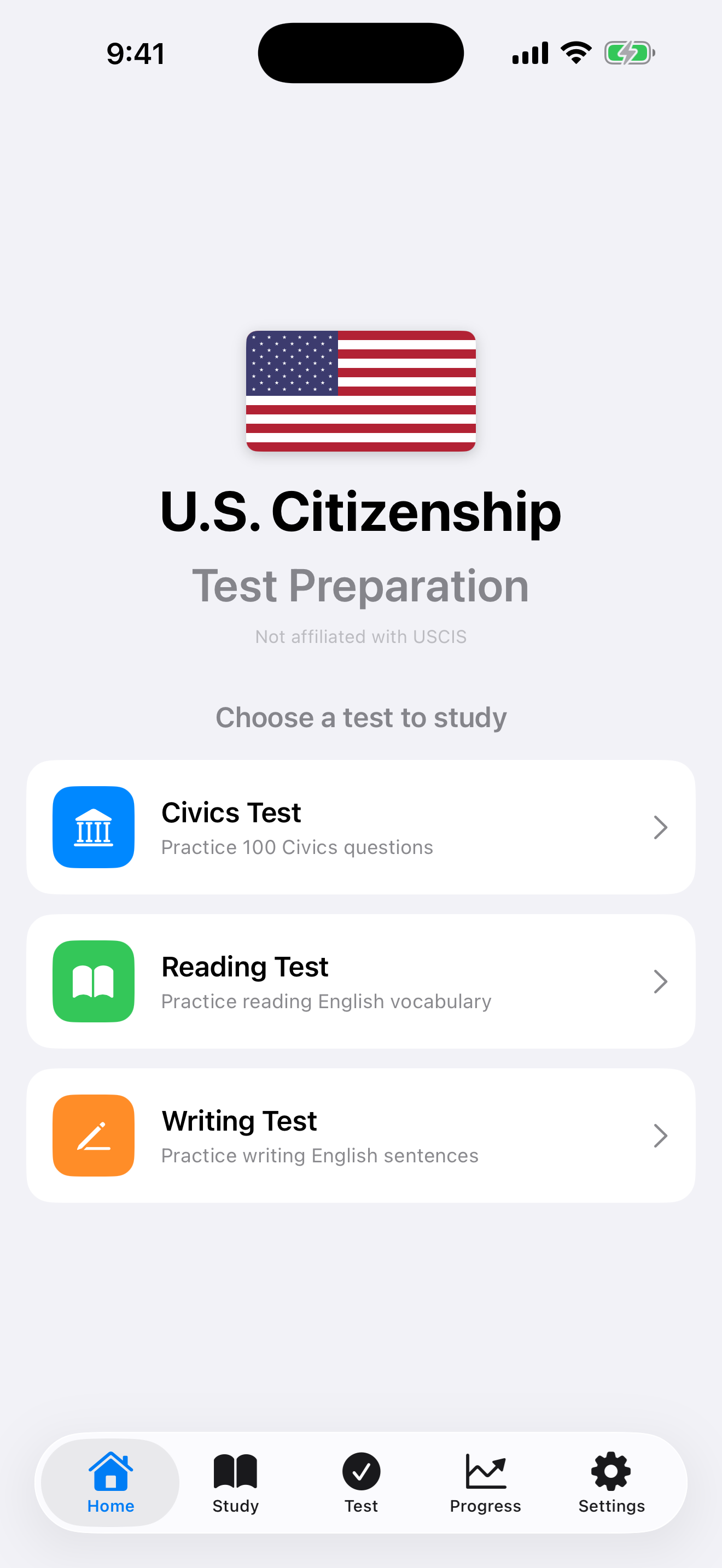
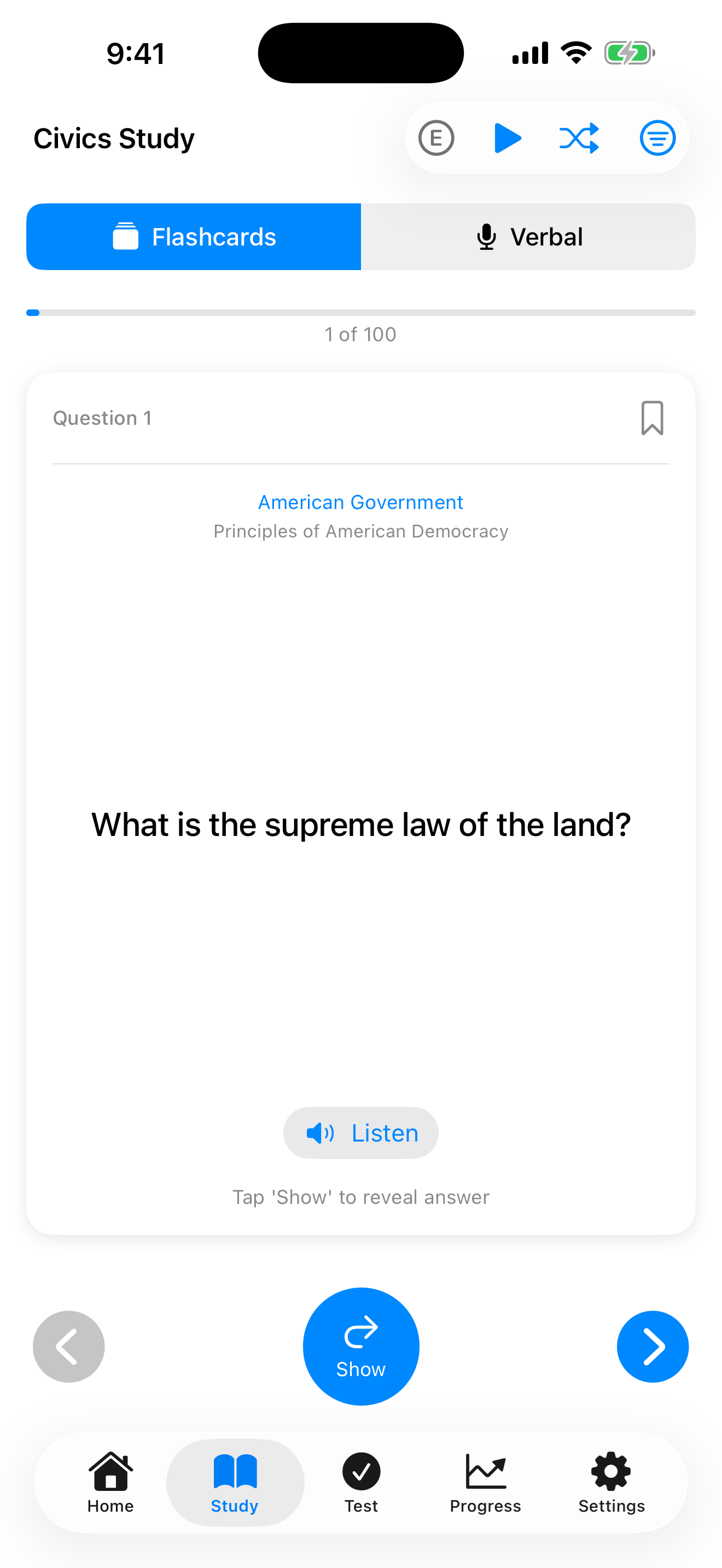
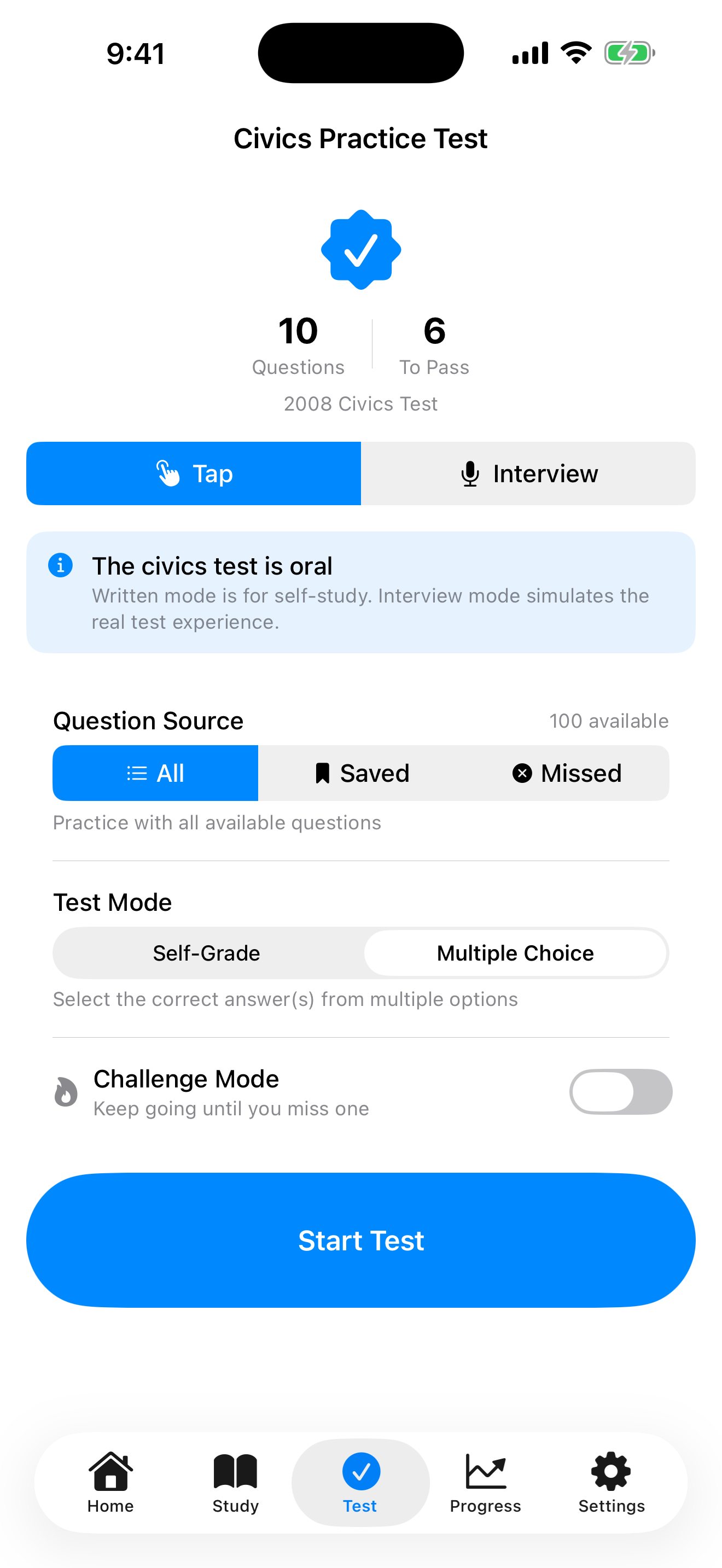
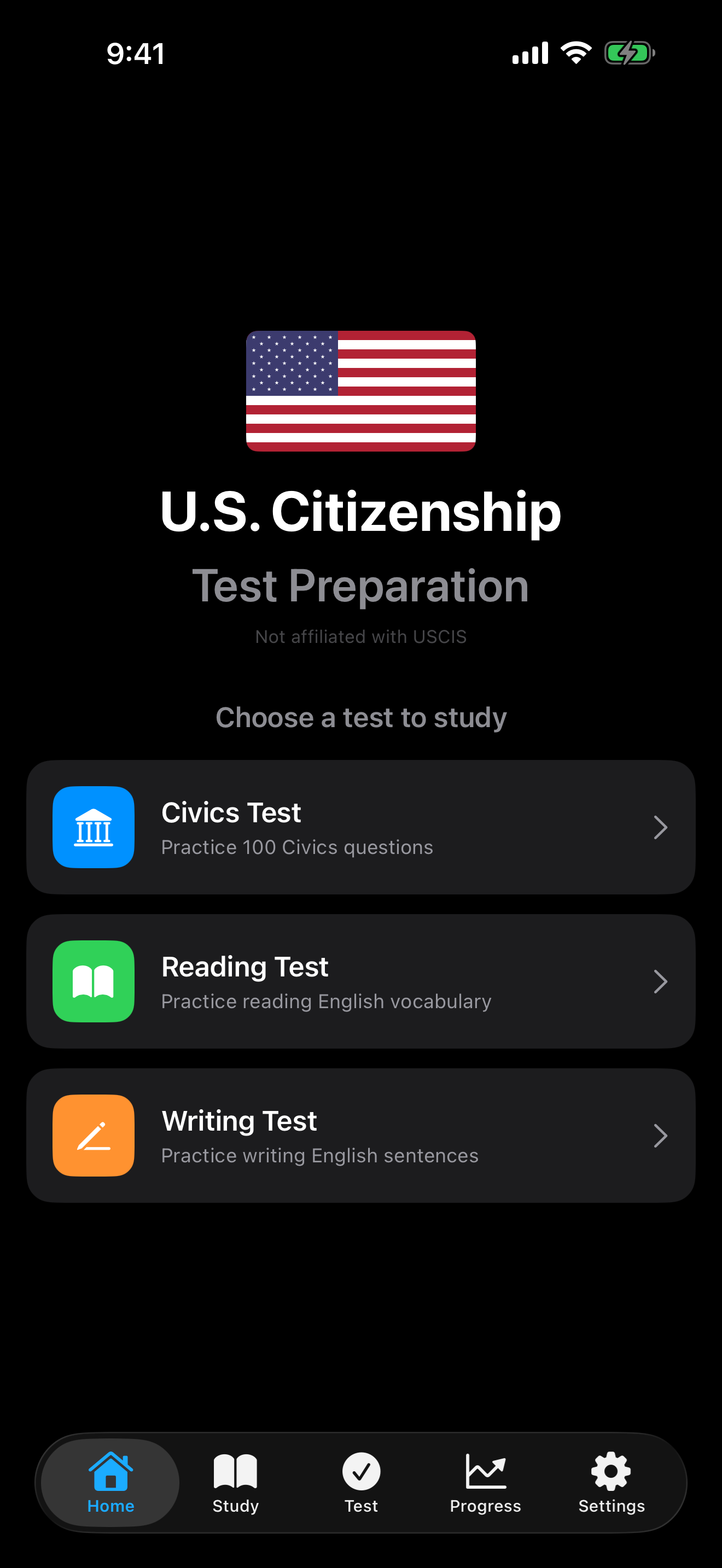
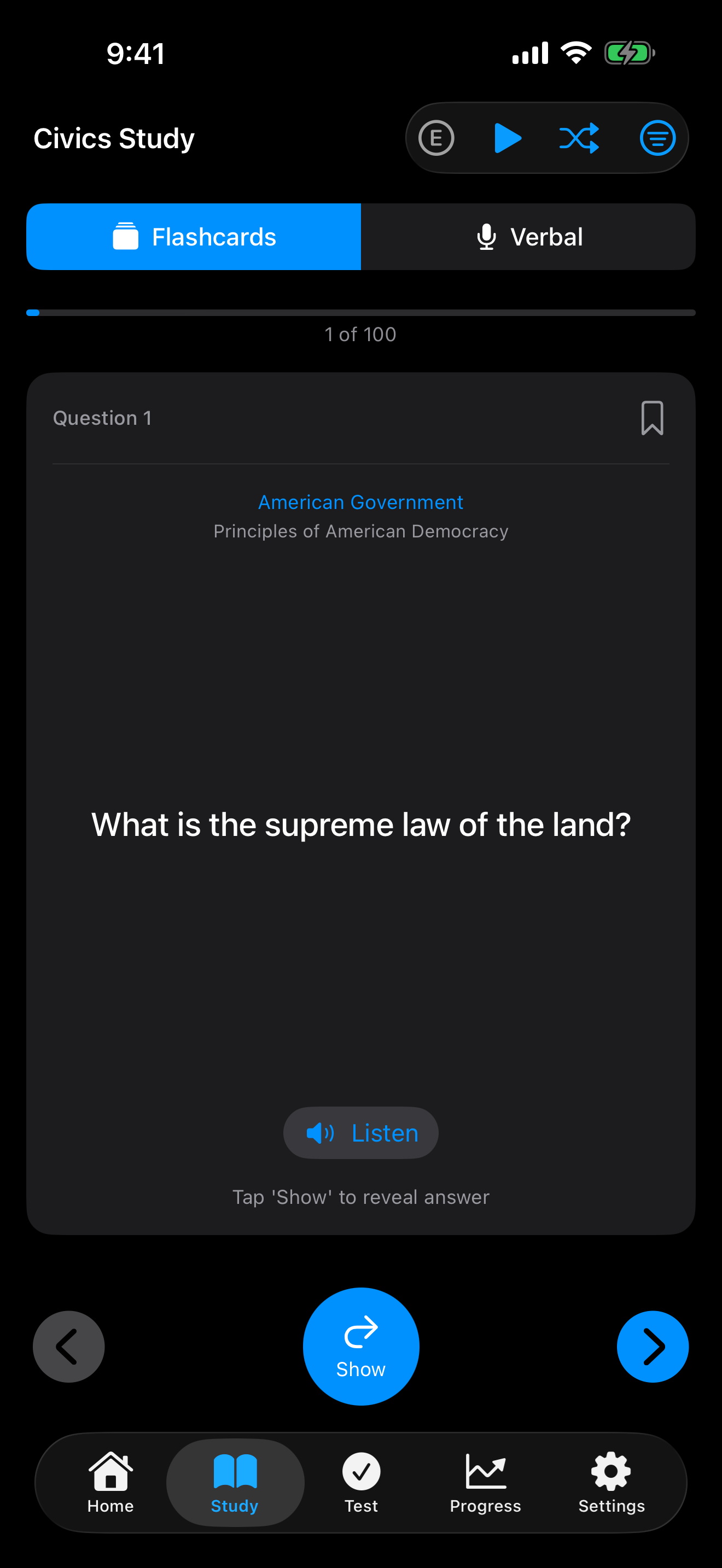
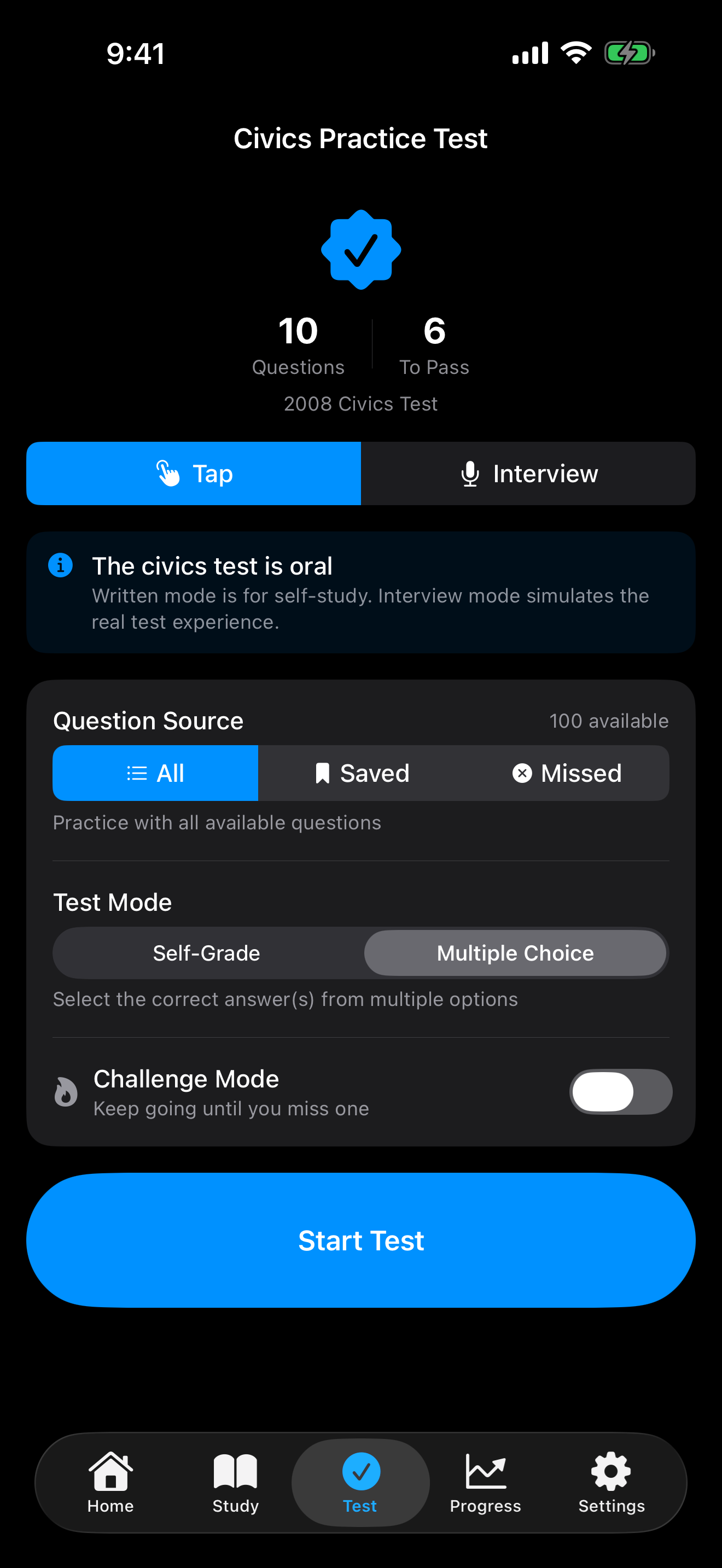
The app gives you four ways to prepare. Study Mode is your classroom: flip through every civics question and answer as a flashcard, at your own pace. The Civics Test is your rehearsal, either as a self-graded tap mode, a multiple-choice mode, or a spoken interview simulation. The Reading and Writing sections practice the English-language portion of the test using the official USCIS vocabulary lists.
Everything in the app is built from the official USCIS materials. The civics questions come straight from the published 2008 or 2025 question lists. The reading and writing practice draws from the official 71-word reading vocabulary and 83-word writing vocabulary. Nothing is invented, nothing is filler.
Pick the Right Test
Before you start studying, three settings to confirm.
- Test version. USCIS uses two civics tests in 2026. If you filed Form N-400 before October 20, 2025, you take the 2008 version: 100 questions, of which the officer asks up to 10 and you need 6 correct. If you filed on or after October 20, 2025, you take the 2025 version: 128 questions, of which the officer asks 20 and you need 12 correct. The app supports both, and you can switch versions in Settings.
- 65/20 consideration. If you are 65 years or older and have been a permanent resident for 20 years or more, you can study from a smaller pool: 20 designated questions for the civics portion (you need 6 out of 10 correct), and you can take the civics test in the language of your choice. Toggle it on in Settings.
- Your state. A few civics questions have state-specific answers, including your Governor, U.S. Senators, and U.S. Representative. Set your state once and the app fills in the right officials.
The Getting Started guide walks through all three in more detail.
Practice Like the Real Interview
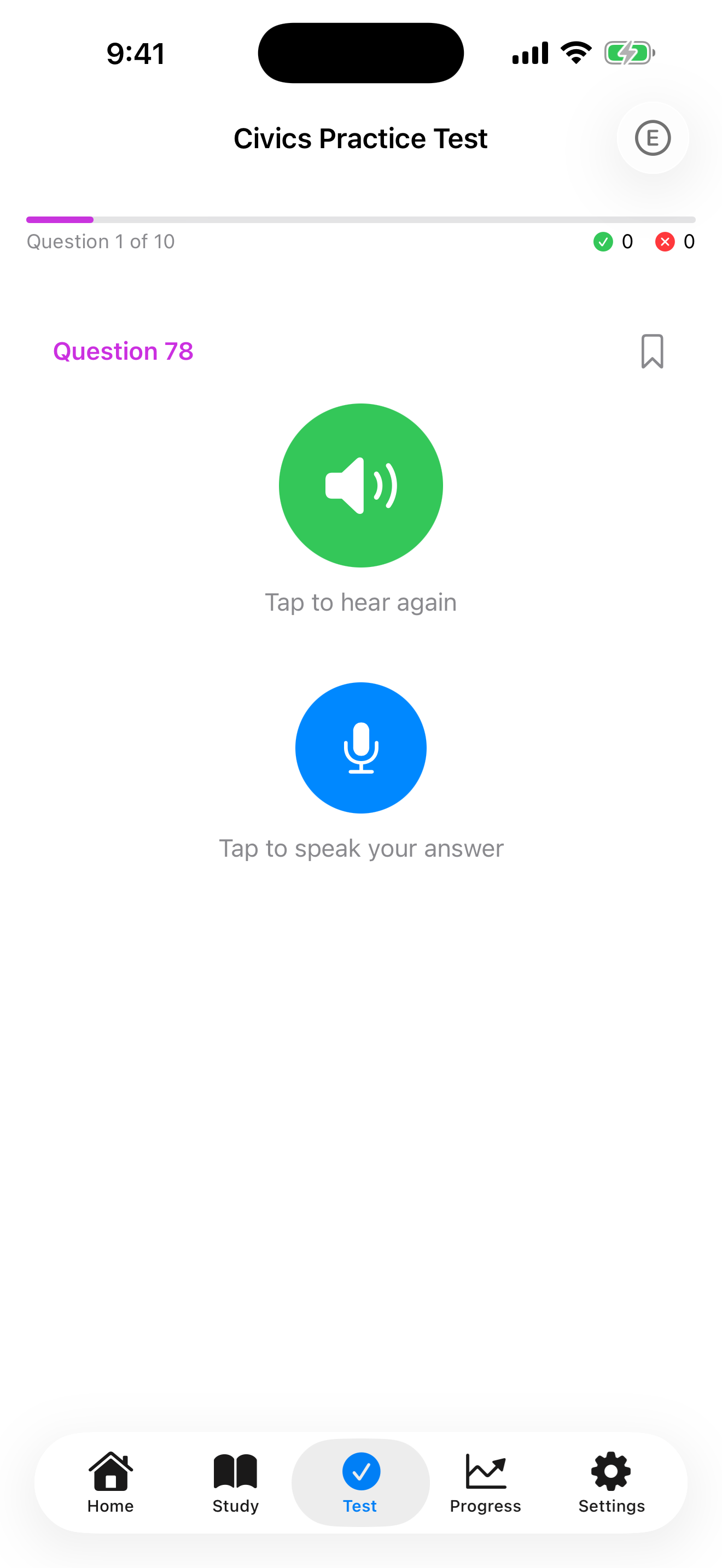
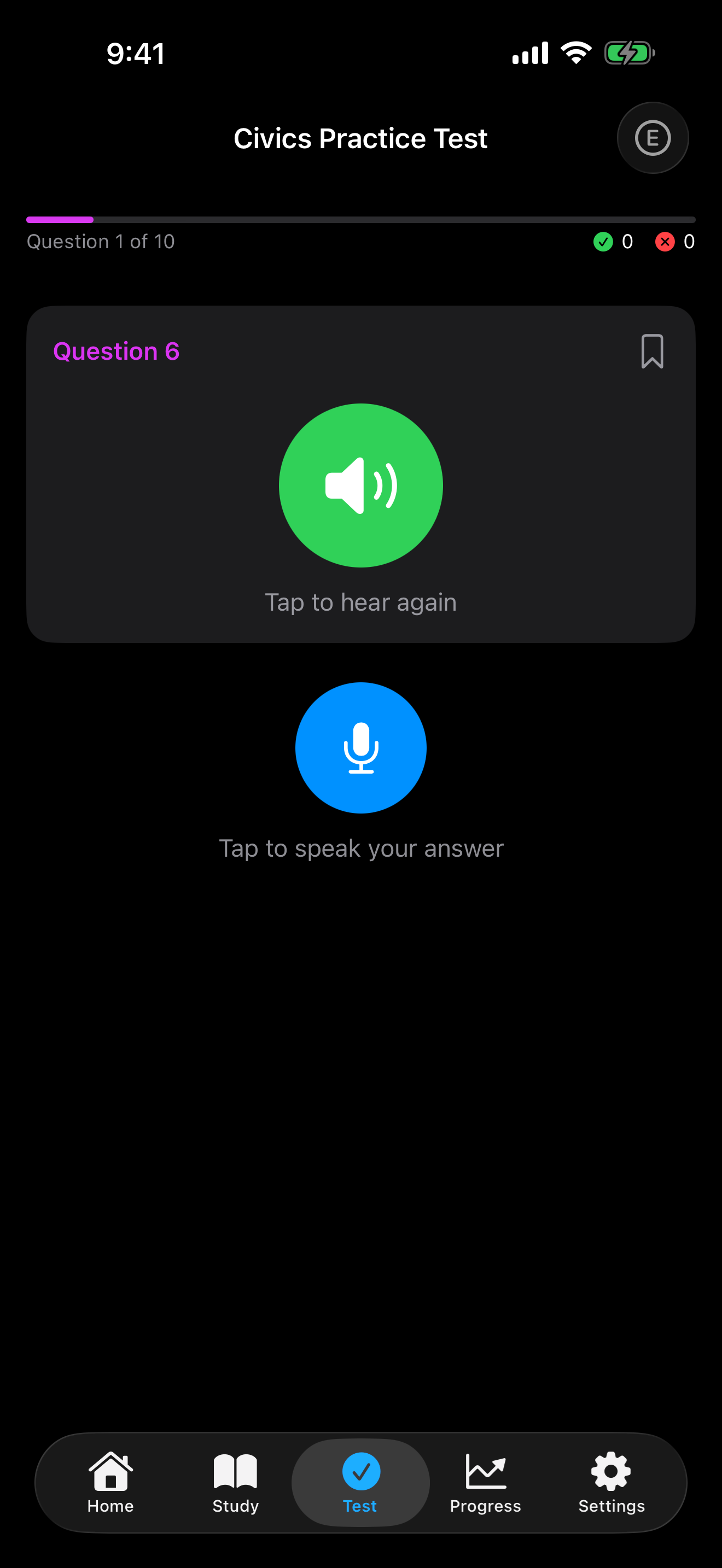
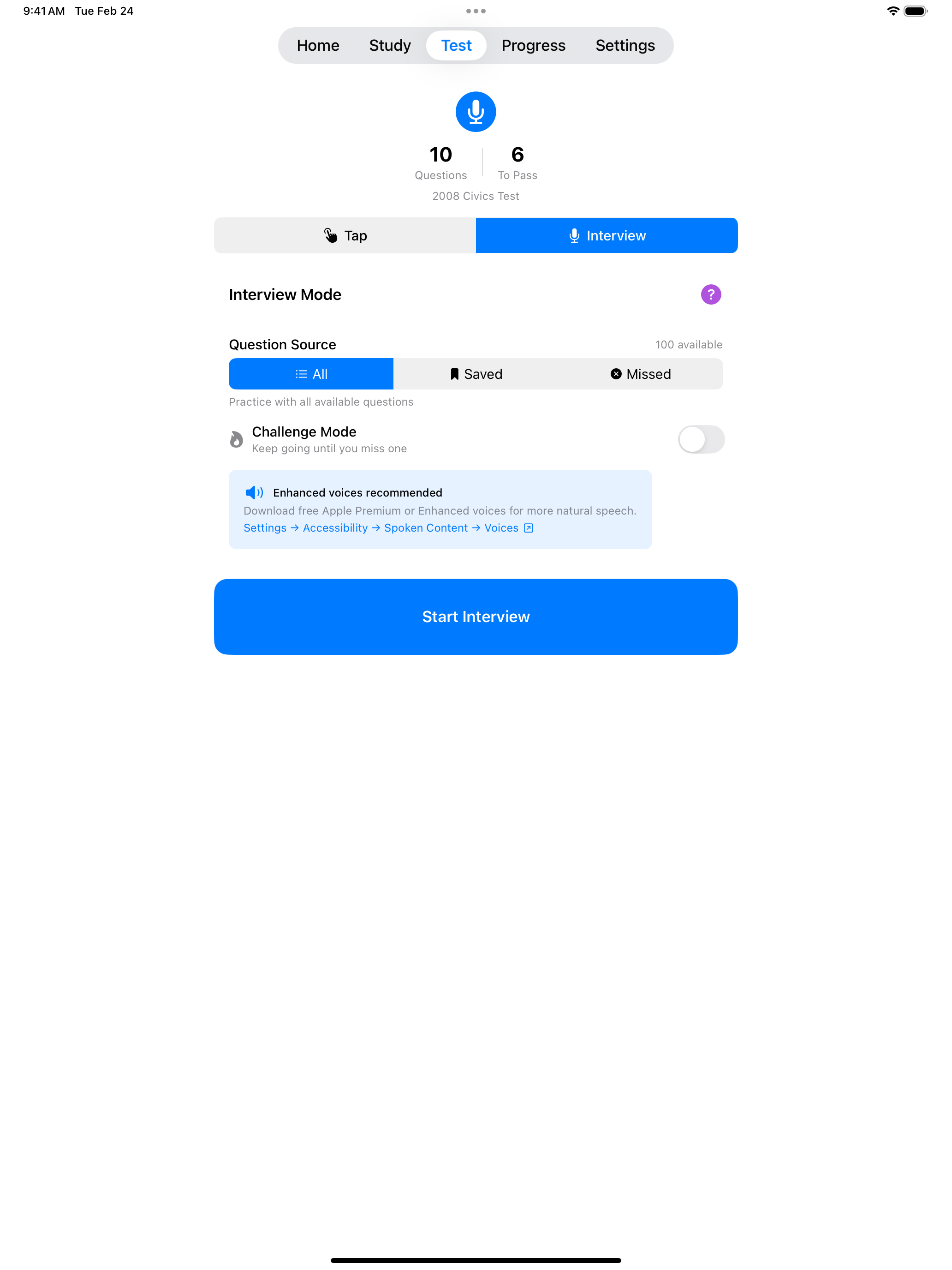
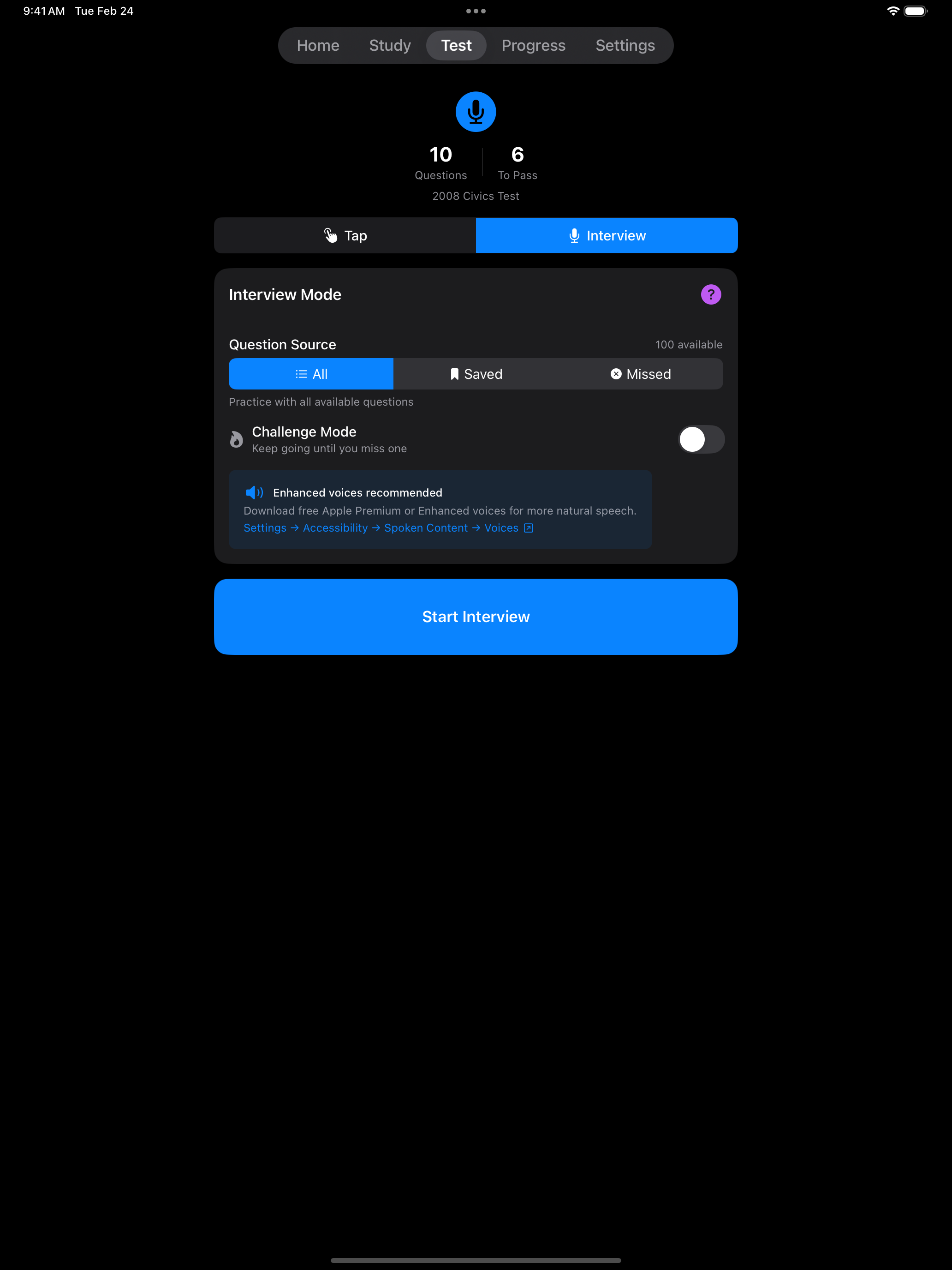
The real USCIS interview is spoken: an officer reads a civics question, you answer out loud, and the officer checks your answer against the list of acceptable responses. Interview Mode in the app mirrors that flow as closely as a phone can.
The cycle is the one you will repeat at the field office:
- A civics question is read aloud through the phone’s speaker.
- You tap the microphone and speak your answer.
- The app checks what you said against the official list of accepted answers, with some tolerance for pronunciation differences.
- You see whether your answer was accepted, and you move on.
Your voice never leaves the phone. The listening is handled by Apple’s on-device speech recognition, so there is no audio sent to a server, no recording saved, and no account required. The app works the same way on a plane as it does at home.
One thing that catches a lot of applicants off guard: many civics questions have more than one correct answer. “Name one right or freedom from the First Amendment” accepts speech, religion, assembly, press, or petition. You only need to give one valid answer, and the app accepts any of the responses on the official USCIS list.
Reading and Writing
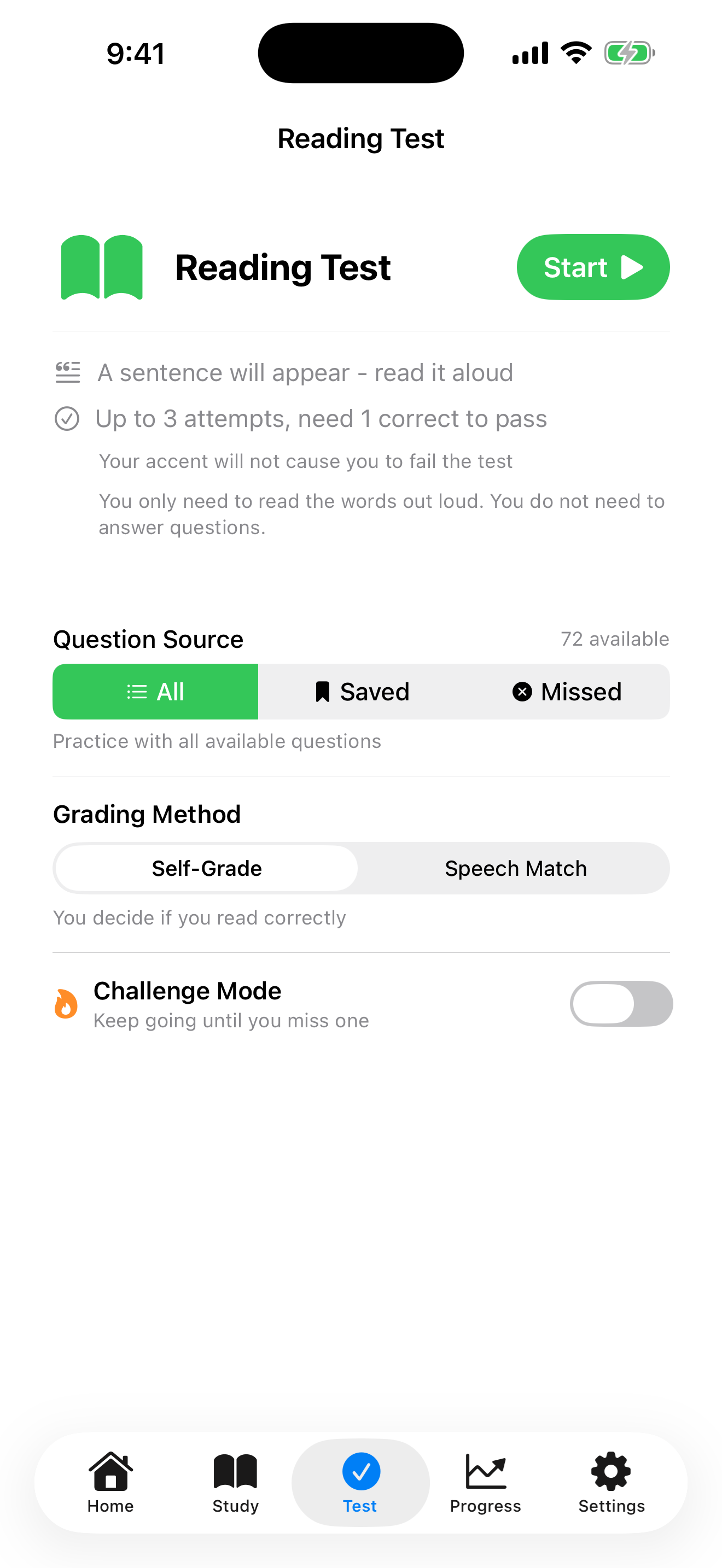
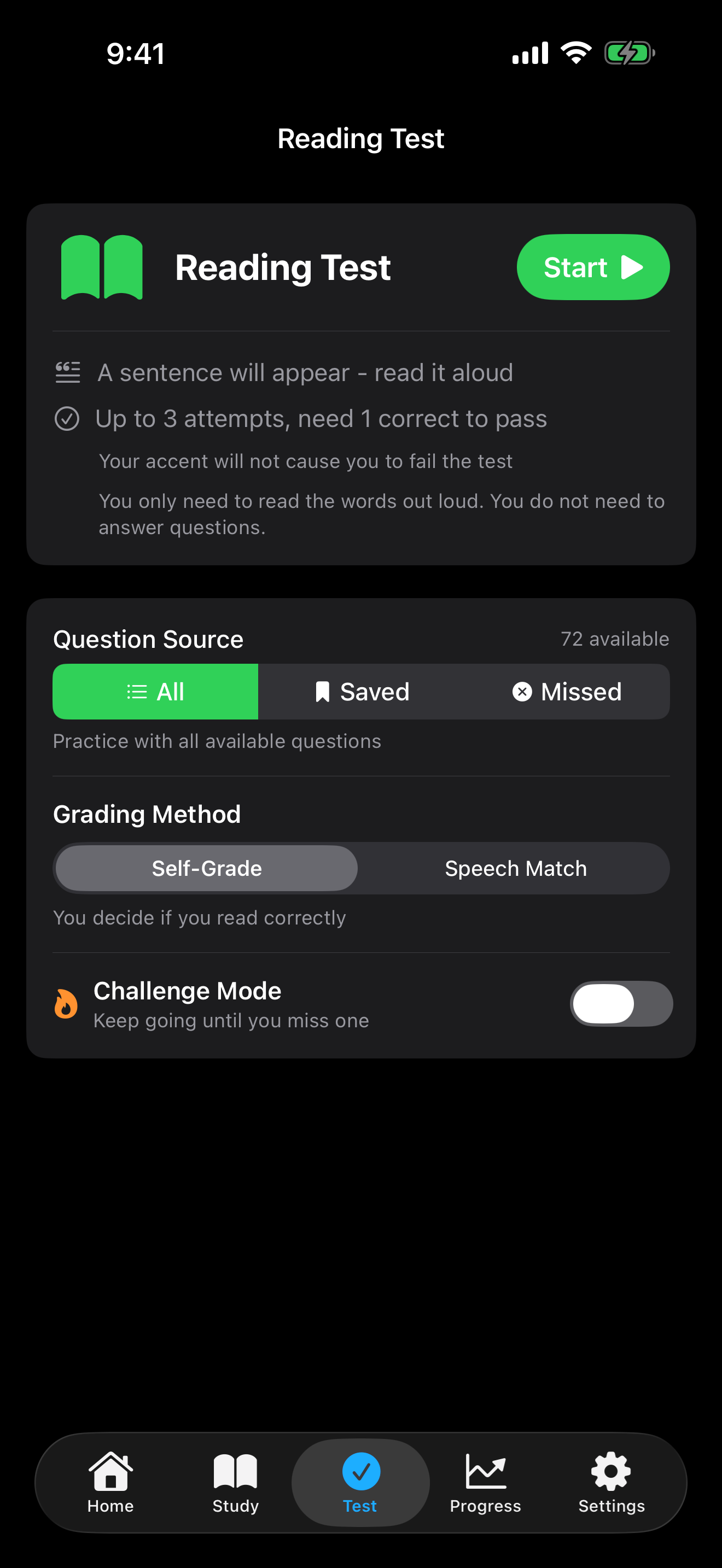
The English portion of the test asks you to read one sentence out of three correctly, and to write one sentence out of three correctly from dictation. USCIS does not publish a fixed list of test sentences, only the underlying vocabulary.
The app uses that vocabulary as the ground truth. The reading practice is built from the 71 official reading vocabulary words and includes 111 practice sentences in the same style as the test. The writing practice covers the 83 official writing words across 100 dictation sentences. If you can read every word on the reading list and spell every word on the writing list, any sentence you encounter on test day is something you have already seen the parts of.
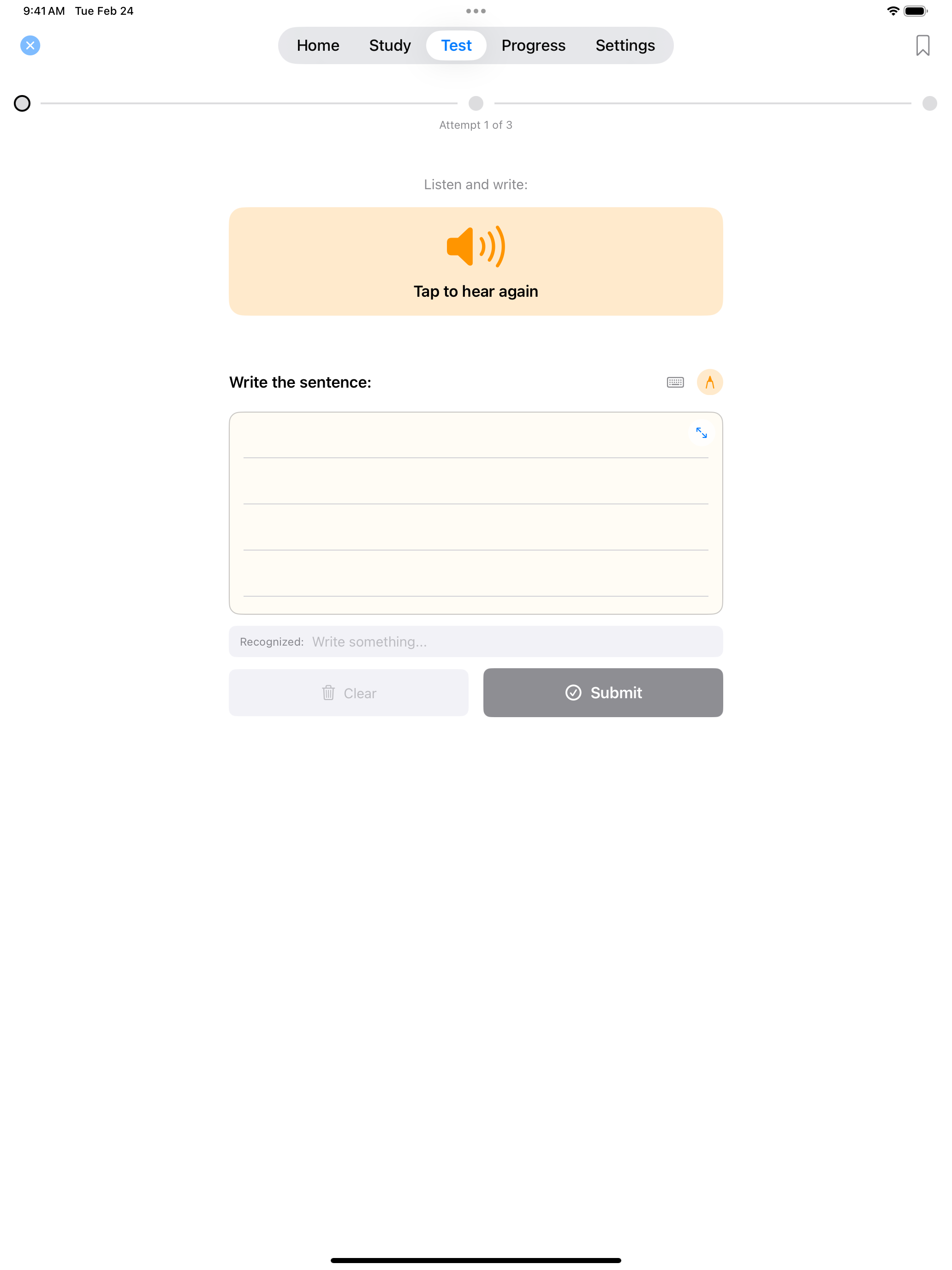
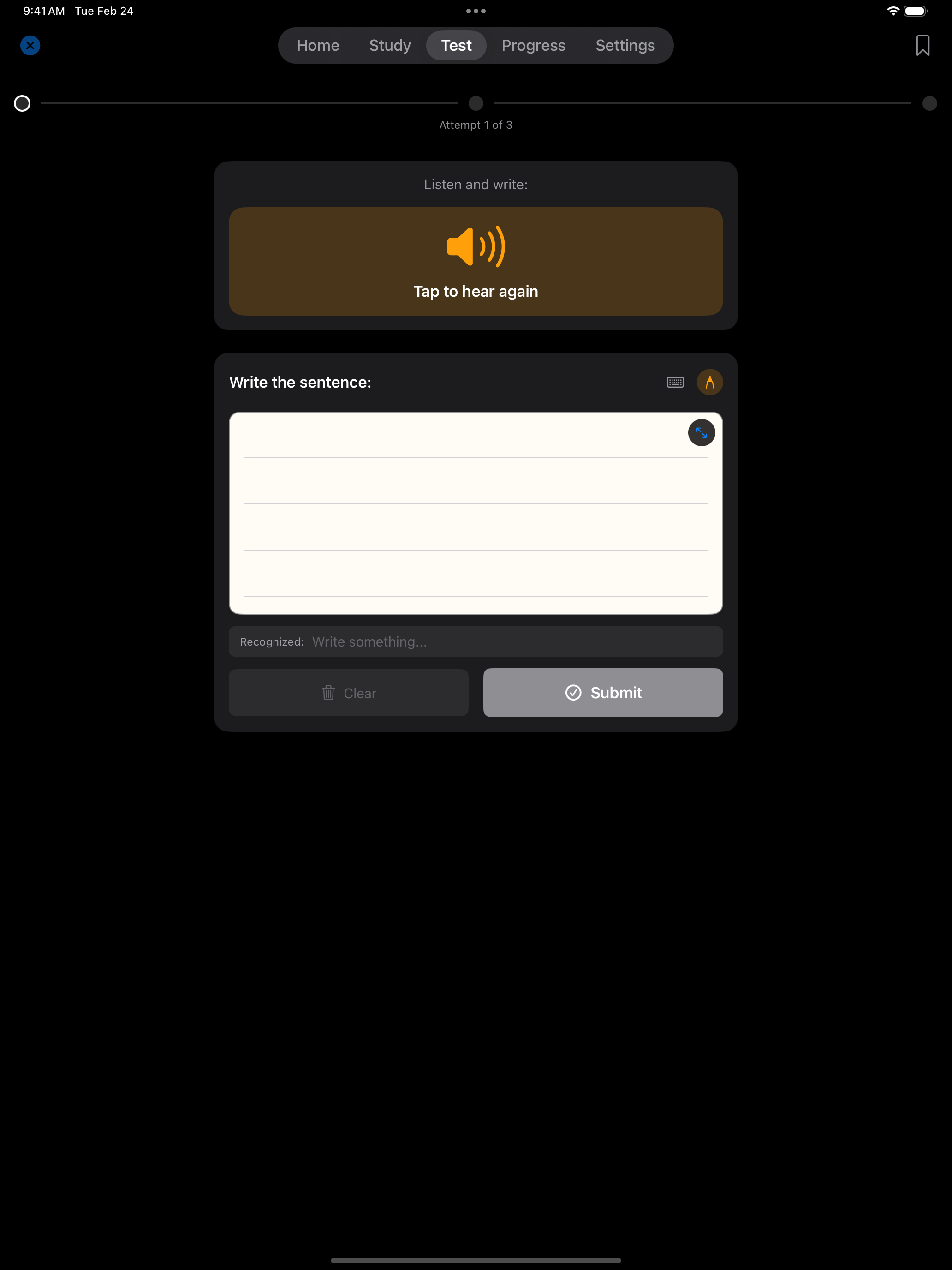
You can write with your finger or with an Apple Pencil, and the app uses on-device optical character recognition (Apple’s Vision OCR) to check what you wrote against the dictated sentence. The handwriting recognition works best when the canvas is in light mode, so if the match seems off, switch the theme in Settings and try again.
Study in Your Language
The app interface and the civics study materials are available in twelve languages: Spanish, Portuguese, French, Chinese (Simplified), Chinese (Traditional), Korean, Vietnamese, Arabic, Hindi, Turkish, Russian, and Tagalog. Pick yours in Settings and the questions, answers, and explanations switch over.
The reading and writing tests stay in English, by design. The real USCIS test requires demonstrating English ability, so practicing those sections in any other language would not help you on the day. Everything else in the app, including all civics study and quiz content, follows your language preference.
For the full list of supported languages and how the language selector interacts with the civics test, see the Settings guide.
Track Your Progress
Every practice test you take is saved, with its score and the specific questions you got right or wrong. Wrong answers are tracked across sessions, so you can focus your next study block on just the questions you have missed. Fourteen-plus achievements unlock as you hit milestones (your first practice test, a perfect score, a seven-day study streak), and a streak counter on the home screen nudges you to come back tomorrow.
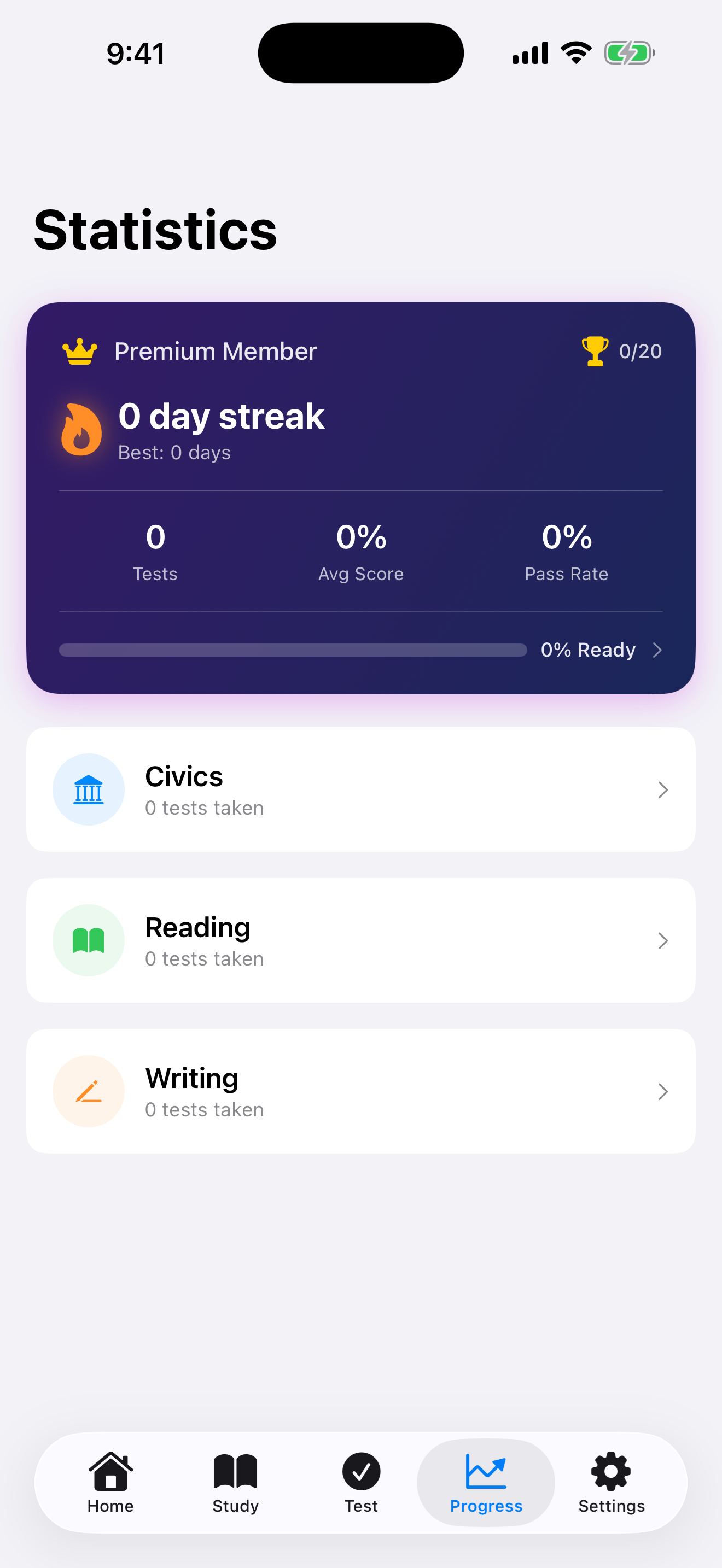
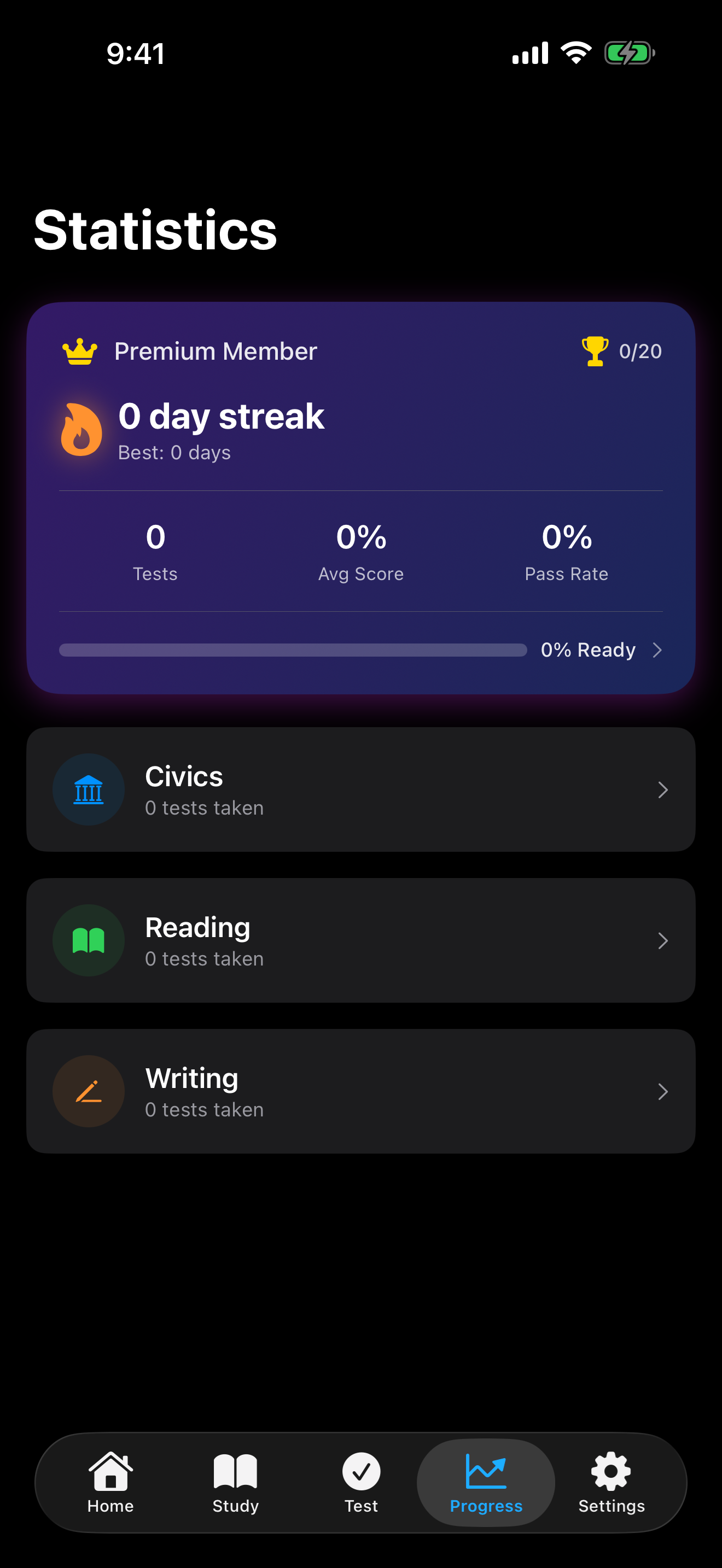
A ten-minute study block every day usually beats a two-hour study block once a week. The achievement and streak system is there to make the daily habit a little more rewarding.
What Stays on Your Phone
Everything. Your voice is processed by Apple’s on-device speech recognition. Your handwriting is processed by Apple’s Vision OCR, also on-device. Your test scores, study history, and settings live in local storage on your phone. None of it is uploaded to a server, because there is no server. The app does not require an account, a sign-in, or a network connection to do anything in the study flow.
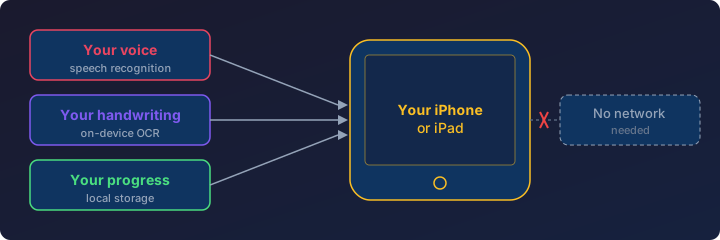
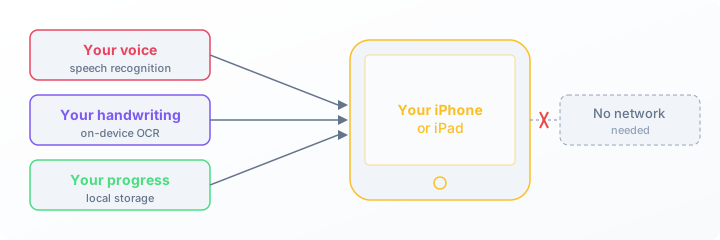
For an applicant practicing on a phone, this matters in a couple of practical ways. You can study on the subway, on an airplane, or in a waiting room where the Wi-Fi is bad or absent. Your study session does not depend on a service staying online. And nothing about your preparation is anyone’s business but yours.
Compared to Other Apps
A handful of other apps on the App Store cover the citizenship test. Here is a quick read on where they sit relative to this one.
- USCIS: Civics Test Study Tools is the official government app from U.S. Citizenship and Immigration Services. It is free, covers the civics question bank, and is a useful authoritative reference for the official question list. It does not include reading or writing practice or an interview simulator.
- US Citizenship Test 2026 Plus is a long-running flashcard and practice-test app with audio for every question and state-specific local-government answers. It focuses on the civics portion of the test.
- Citizen Now covers both the 2008 and 2025 civics tests and includes an AI civics simulator that listens to your spoken answers. It also supports Apple CarPlay for hands-free study.
- Citizenry is an all-in-one app with mock interview practice using speech recognition. It covers both the 2008 and 2025 versions and the writing exercises, with most features behind a subscription.
The choice between any of these comes down to which study style fits how you learn. What pushed this app to exist was the combination of interview-style voice practice, a real handwriting canvas for the writing test, civics study in twelve languages, and a free unrestricted study toolkit, all without requiring a network connection or an account.
Try It
U.S. Citizenship Test Prep is free to download and requires iOS 17 or later.
- App Store: https://apps.apple.com/us/app/u-s-citizenship-test-prep-26/id6757681329
- Documentation: https://uscitizenshiptestprep.caffeinatedmath.com/
- Getting started: https://uscitizenshiptestprep.caffeinatedmath.com/getting-started.html
- FAQ: https://uscitizenshiptestprep.caffeinatedmath.com/faq.html
- Source code: https://github.com/hjjb-llc/us-citizenship-test-prep
- Support: support@caffeinatedmath.com