NumPy is the foundational N-dimensional array library for scientific Python. An ndarray is a fixed-size, same-type block of numbers laid out contiguously in memory, which is what makes it fast: you replace Python loops with one vectorized expression that runs in compiled C. The conventional import is import numpy as np, and this cheatsheet walks the daily workflow in eight panels, from making an array to broadcasting, random draws, and linear algebra. It is the array substrate beneath pandas, scikit-learn, and the deep-learning frameworks.


Create Arrays
A NumPy array (ndarray) is a fixed-size, same-type block of numbers laid out contiguously in memory, which is what makes it fast. You build one from existing data with np.array, or generate one from scratch with zeros, ones, full, arange (by step), or linspace (by count).
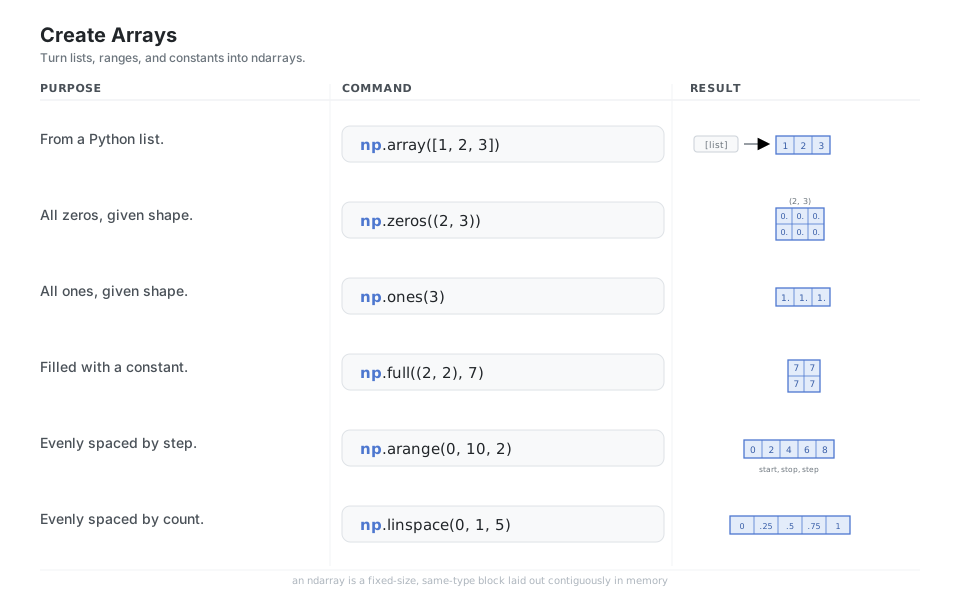
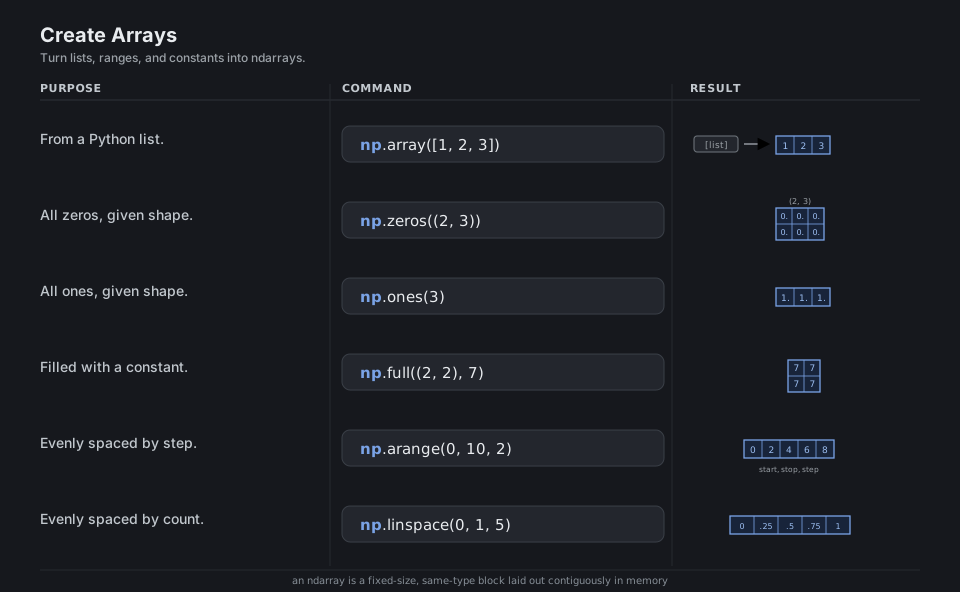
np.array([1, 2, 3])         # from a Python list
np.zeros((2, 3))            # all zeros, given shape
np.ones(3)                  # all ones
np.full((2, 2), 7)          # filled with a constant
np.arange(0, 10, 2)         # evenly spaced by step  -> [0 2 4 6 8]
np.linspace(0, 1, 5)        # evenly spaced by count -> [0 .25 .5 .75 1]
See array creation.
Dtypes & Attributes
Unlike a Python list, every element of an array shares a single dtype (such as int64 or float64), and the array carries its shape, ndim, and size as cheap metadata. Choosing the dtype controls both memory use and numeric precision; astype returns a converted copy rather than changing the array in place.
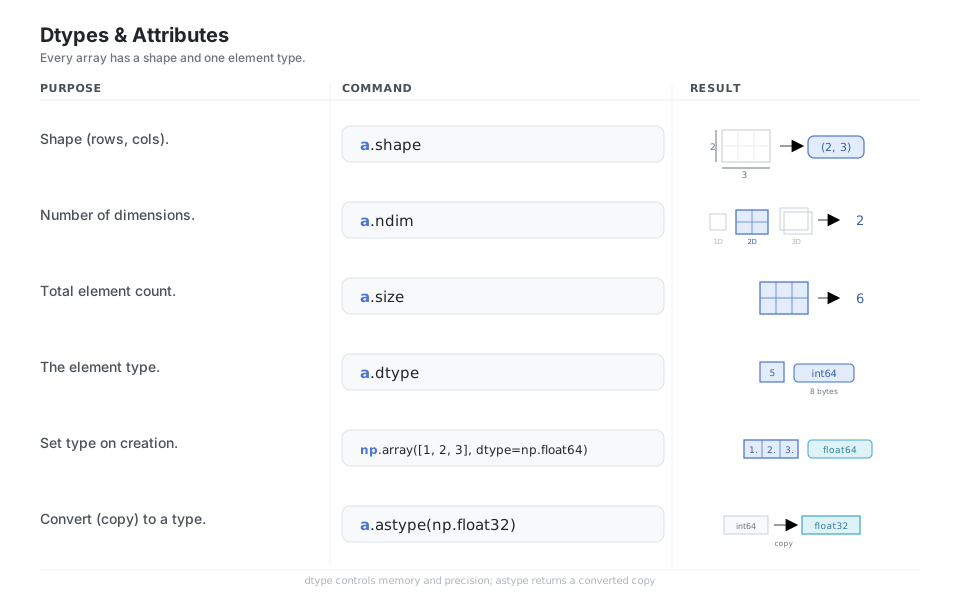
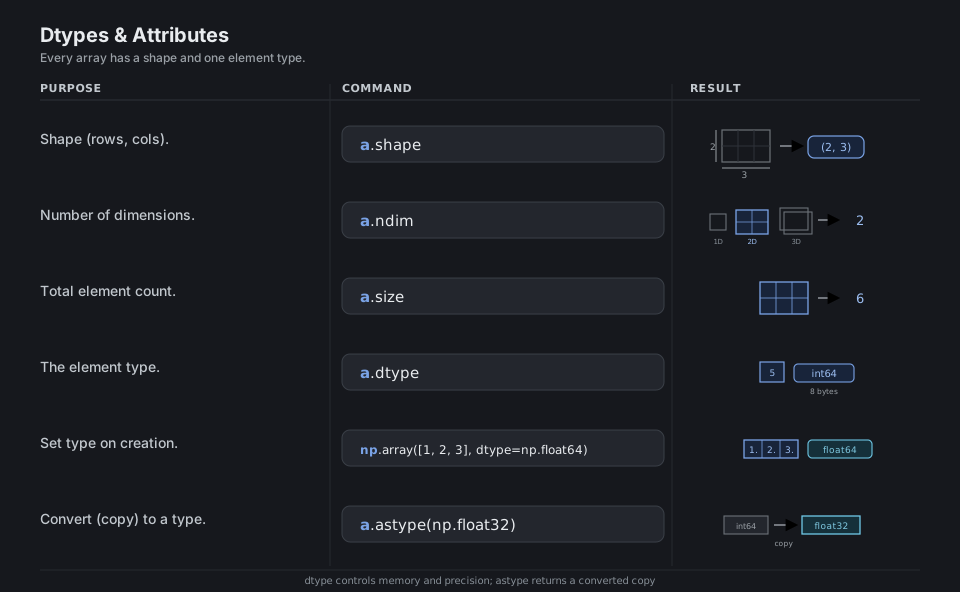
a.shape                              # (rows, cols)
a.ndim                               # number of dimensions
a.size                               # total element count
a.dtype                              # the element type
np.array([1, 2, 3], dtype=np.float64)   # set type on creation
a.astype(np.float32)                 # convert (copy) to a type
See data types.
Index & Slice
Indexing reads like nested lists but takes one tuple of indices, m[row, col], and slices like m[:, 1] pull whole rows or columns. Basic slices return a view that shares memory with the original (writes propagate), while boolean masks and fancy index lists return a copy you can safely modify.
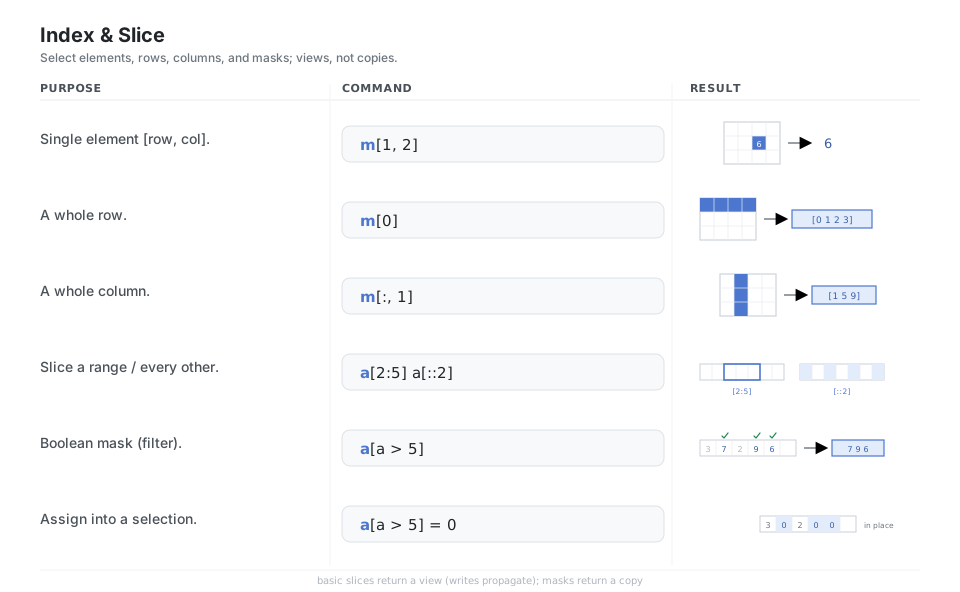
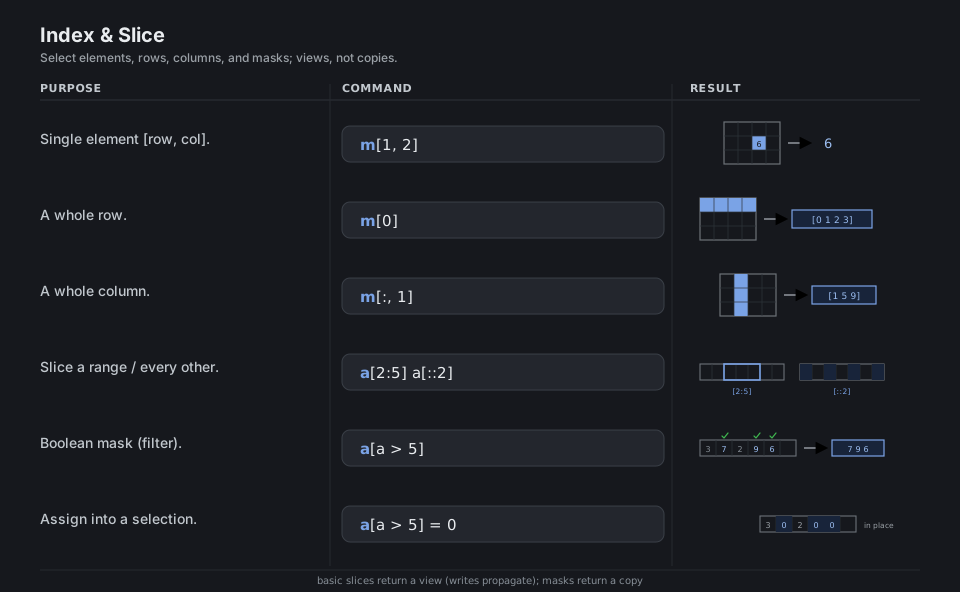
m[1, 2]            # single element [row, col]
m[0]               # a whole row
m[:, 1]            # a whole column
a[2:5]   a[::2]    # slice a range / every other
a[a > 5]           # boolean mask (filter)
a[a > 5] = 0       # assign into a selection (in place)
See indexing and copies and views.
Reshape & Combine
Reshaping reinterprets the same buffer under a new shape, so reshape, ravel, T, and adding axes with np.newaxis move zero data. To grow an array you join several with concatenate, vstack, or hstack, choosing the axis along which they are glued.
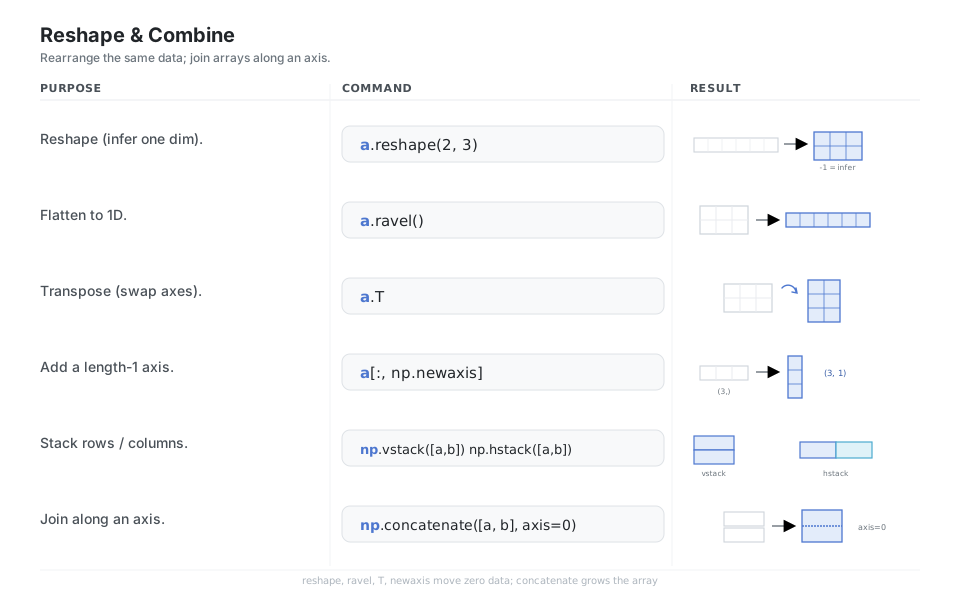
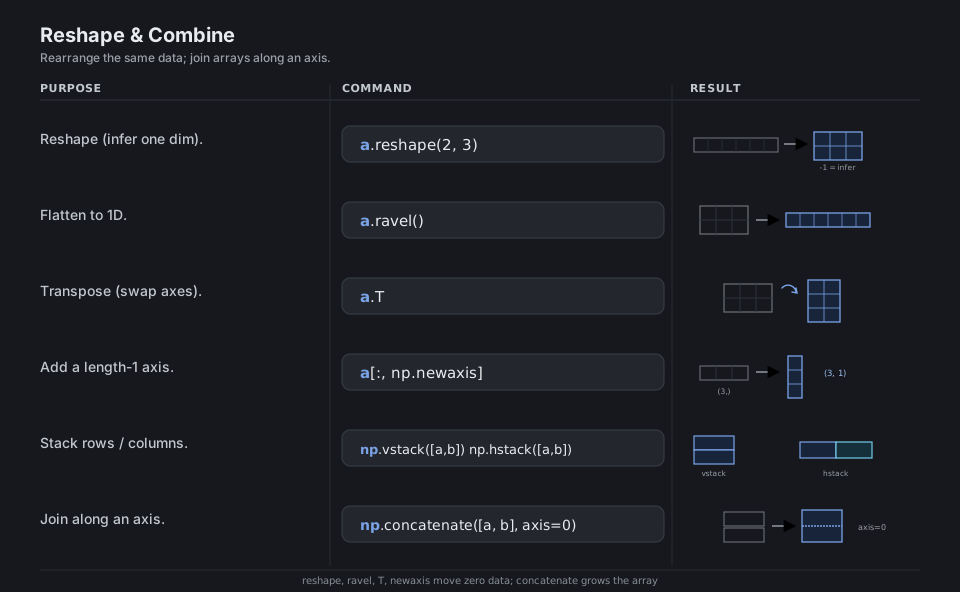
a.reshape(2, 3)                  # reshape (use -1 to infer one dim)
a.ravel()                        # flatten to 1D
a.T                              # transpose (swap axes)
a[:, np.newaxis]                 # add a length-1 axis: (3,) -> (3, 1)
np.vstack([a, b])  np.hstack([a, b])    # stack rows / columns
np.concatenate([a, b], axis=0)   # join along an axis
See array manipulation.
Element-wise Math
Arithmetic operators and “universal functions” (ufuncs) like np.sqrt and np.exp run element-by-element in compiled C, so you vectorize instead of writing Python loops. The @ operator and np.dot are the exception: they perform matrix and dot products, contracting a dimension rather than acting cell-by-cell.
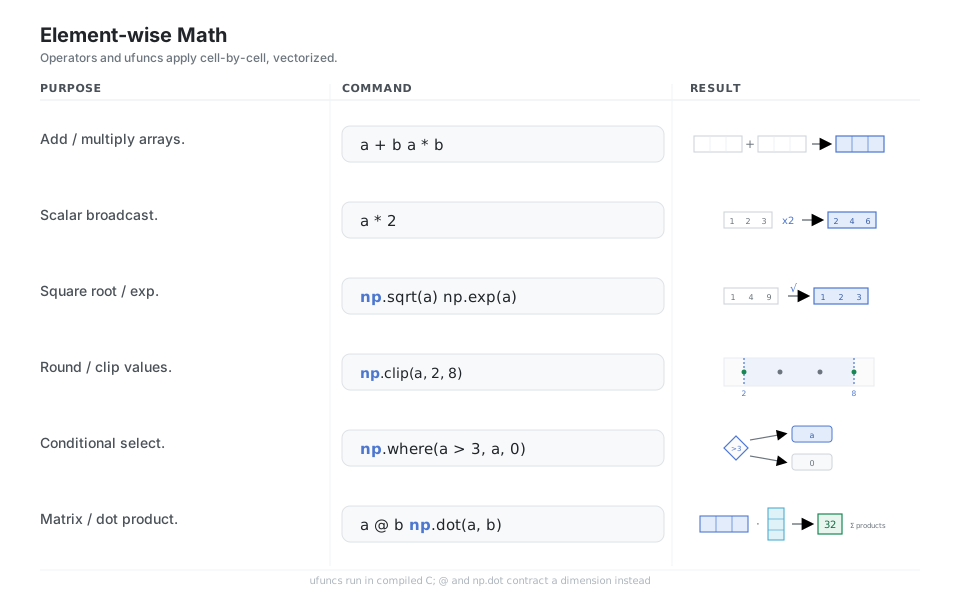
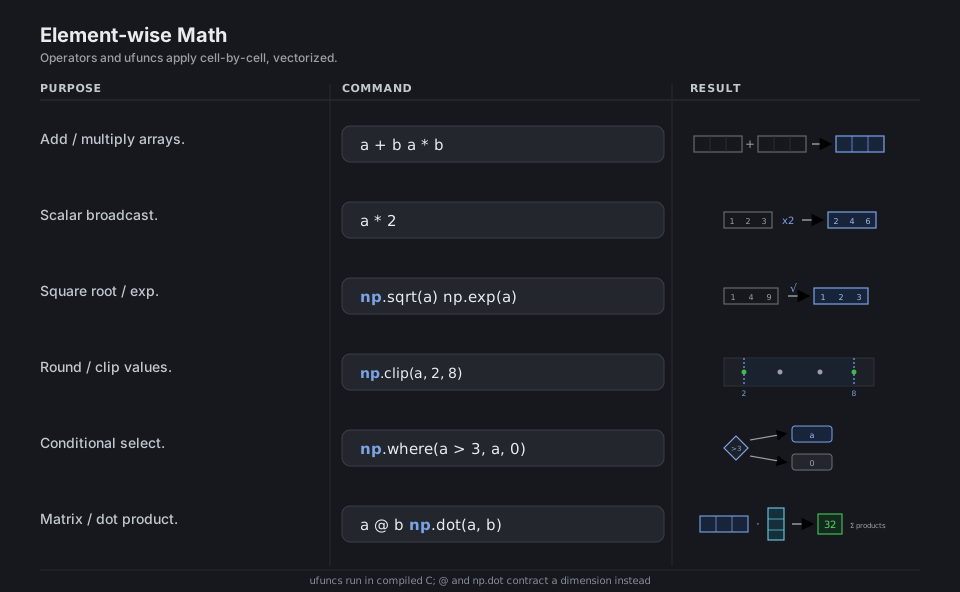
a + b   a * b              # add / multiply arrays
a * 2                      # scalar broadcast
np.sqrt(a)   np.exp(a)     # square root / exp
np.round(a, 1)  np.clip(a, 2, 8)   # round / clip values
np.where(a > 3, a, 0)      # conditional select
a @ b   np.dot(a, b)       # matrix / dot product
See universal functions.
Reduce Over Axes
A reduction collapses an array into a summary, and the axis argument decides which dimension disappears: axis=0 reduces down the rows (one result per column), axis=1 reduces across the columns (one result per row), and omitting it reduces everything to a scalar. Pass keepdims=True when you want the reduced dimension kept as length 1 so the result still broadcasts against the original.
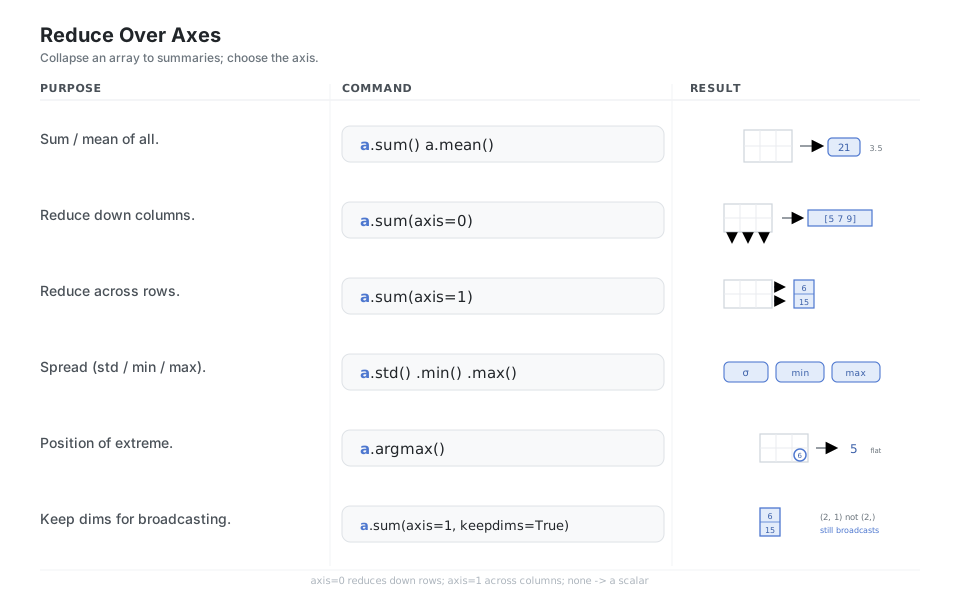
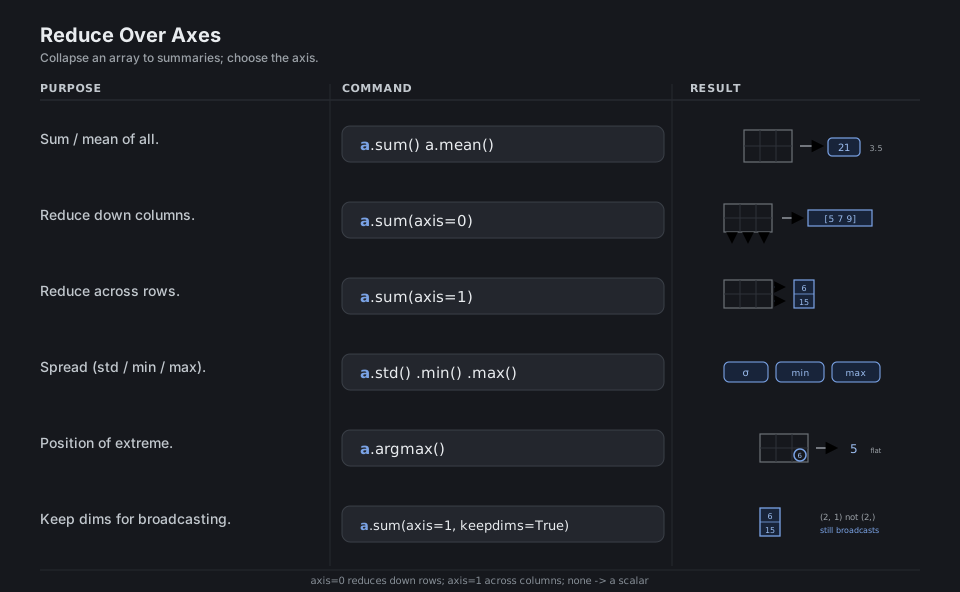
a.sum()   a.mean()                  # sum / mean of all
a.sum(axis=0)                       # reduce down columns -> one per column
a.sum(axis=1)                       # reduce across rows  -> one per row
a.std()   a.min()   a.max()         # spread / extremes
a.argmax()                          # position of the extreme (flat index)
a.sum(axis=1, keepdims=True)        # keep dims for broadcasting
See statistics routines.
Broadcasting
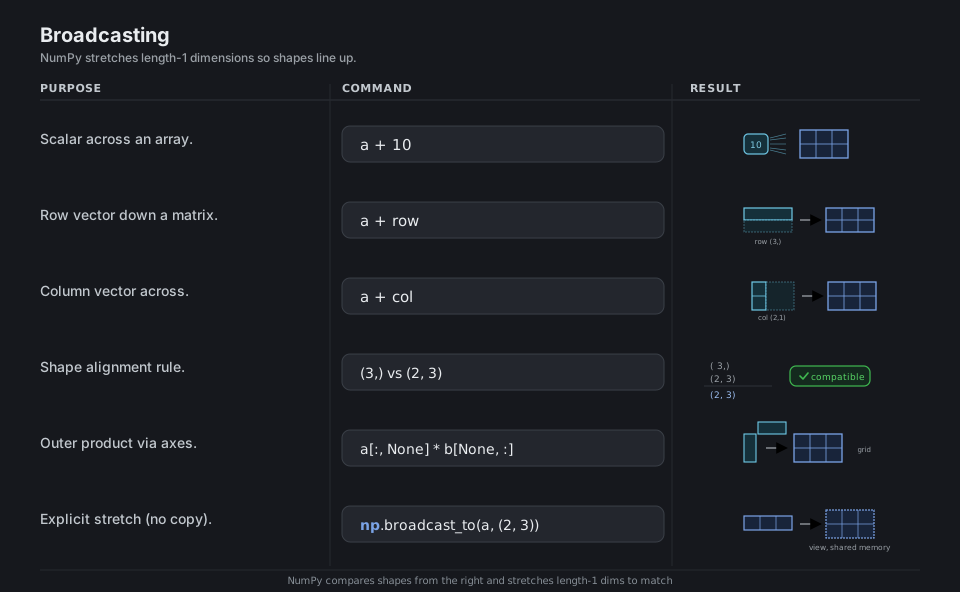
Broadcasting lets arrays of different shapes combine without copying data: NumPy compares shapes from the right and stretches any dimension that is length 1 to match its partner. This is why a + 10, adding a row vector to a matrix, or multiplying a column by a row to form a grid all “just work”, and why keepdims=True is so useful.
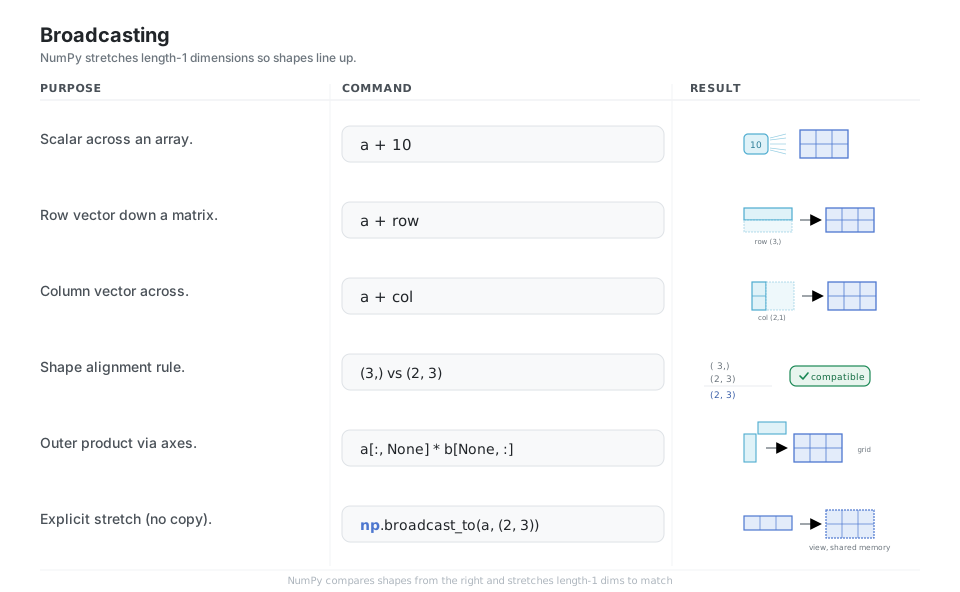
a + 10                       # scalar across an array
a + row                      # row vector down a matrix
a + col                      # column vector across
# (3,) vs (2, 3) -> (2, 3)   # shape alignment rule
a[:, None] * b[None, :]      # outer product via axes
np.broadcast_to(a, (2, 3))   # explicit stretch (a view, no copy)
See broadcasting.
Random & Linear Algebra
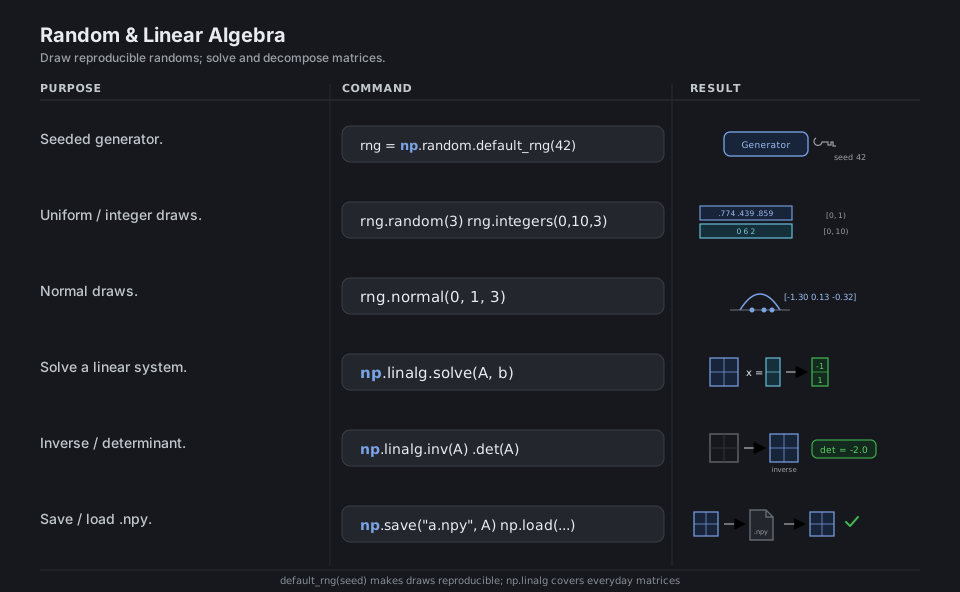
The modern random API starts from a Generator built by np.random.default_rng(seed); seeding it makes every draw reproducible, and methods like random, integers, and normal fill arrays from a distribution. The np.linalg module covers everyday linear algebra (solve, inv, det, eigvals, norm), and np.save/np.load persist arrays to the binary .npy format for fast round-trips.
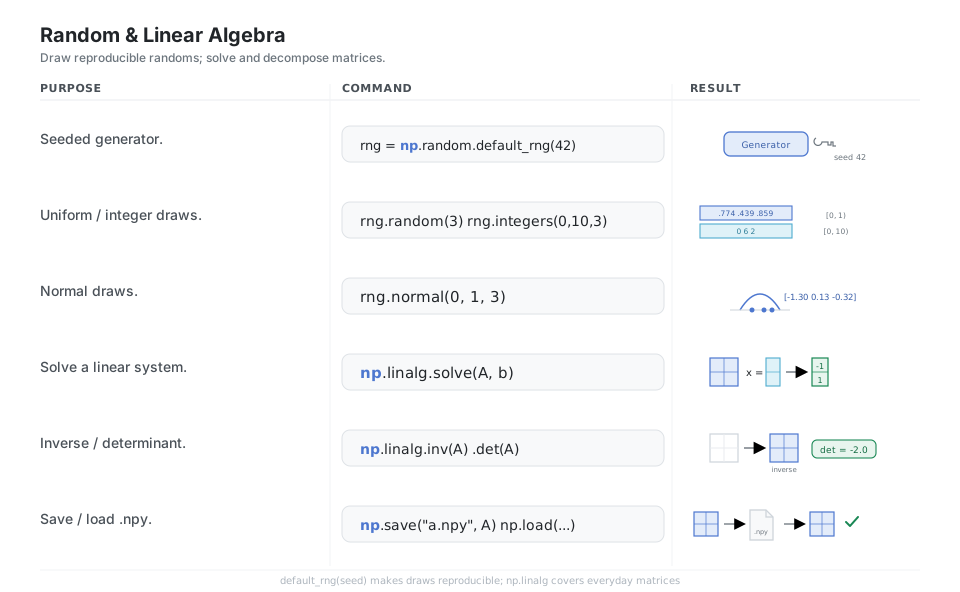
rng = np.random.default_rng(42)     # seeded generator (reproducible)
rng.random(3)   rng.integers(0, 10, 3)   # uniform / integer draws
rng.normal(0, 1, 3)                 # normal draws
np.linalg.solve(A, b)               # solve A x = b
np.linalg.inv(A)   np.linalg.det(A) # inverse / determinant
np.save("a.npy", A)   np.load("a.npy")   # persist .npy to disk
See random sampling and linear algebra.
Quick Reference
| Command | What it does | Area |
|---|---|---|
np.array(...) |
Build an array from a list | Create |
np.zeros / np.ones / np.full |
Constant-filled array of a shape | Create |
np.arange / np.linspace |
Range by step / by count | Create |
a.shape / a.dtype / a.ndim |
Shape, element type, dimensions | Attributes |
a.astype(t) |
Convert to a dtype (copy) | Attributes |
m[i, j] / m[:, j] / a[a > 5] |
Element, column, boolean mask | Index |
a.reshape / a.ravel / a.T |
Rearrange the same data | Reshape |
np.concatenate / vstack / hstack |
Join along an axis | Combine |
a + b / a * 2 / np.sqrt(a) |
Vectorized element-wise math | Math |
a @ b / np.dot |
Matrix / dot product | Math |
a.sum(axis=0) / a.mean(axis=1) |
Reduce along an axis | Reduce |
np.random.default_rng(seed) |
Seeded random generator | Random |
np.linalg.solve(A, b) |
Solve A x = b |
Linalg |
np.save / np.load |
Persist .npy to disk |
I/O |
| Call | Reduces over | Result shape (from a 2x3) |
|---|---|---|
a.sum() |
Everything | scalar |
a.sum(axis=0) |
Rows (down) | (3,) one per column |
a.sum(axis=1) |
Columns (across) | (2,) one per row |
a.sum(axis=1, keepdims=True) |
Columns, dim kept | (2, 1) |
| dtype | Meaning | Bytes |
|---|---|---|
int64 |
Signed integer (default int) | 8 |
int32 |
Smaller signed integer | 4 |
float64 |
Double precision (default float) | 8 |
float32 |
Single precision | 4 |
bool |
Boolean (mask results) | 1 |
complex128 |
Complex number | 16 |
Appendix: Sample Code
The vectorized mental model
The whole point of NumPy is to replace Python loops with one array expression that runs in compiled C:
import numpy as np

# Slow: a Python loop, element by element
ys = [x * 2 + 1 for x in range(1_000_000)]

# Fast: one vectorized expression over the whole array
a = np.arange(1_000_000)
b = a * 2 + 1          # same result, runs in compiled C
Axis cheat in one block
m = np.array([[1, 2, 3],
              [4, 5, 6]])

m.sum()                        # 21          -> whole array
m.sum(axis=0)                  # [5 7 9]     -> down the rows, one per column
m.sum(axis=1)                  # [6 15]      -> across the columns, one per row
m.sum(axis=1, keepdims=True)   # [[6], [15]] -> dim kept for broadcasting
Broadcasting and a tiny solve
a   = np.array([[1, 2, 3], [4, 5, 6]])   # shape (2, 3)
row = np.array([10, 20, 30])             # (3,)   -> stretched down
col = np.array([[100], [200]])           # (2, 1) -> stretched across

a + 10        # add a scalar to every cell
a + row       # row vector added to each row
a + col       # column vector added to each column

rng = np.random.default_rng(42)   # seed -> reproducible draws
A = np.array([[1.0, 2.0], [3.0, 4.0]])
np.linalg.solve(A, np.array([1.0, 1.0]))   # [-1.  1.]
References
NumPy documentation
- NumPy documentation home and the absolute beginner’s guide
- Array creation and data types
- The ndarray, indexing, and copies and views
- Array manipulation and universal functions
- Broadcasting and statistics
- Random sampling and linear algebra
Project